
Alerts#
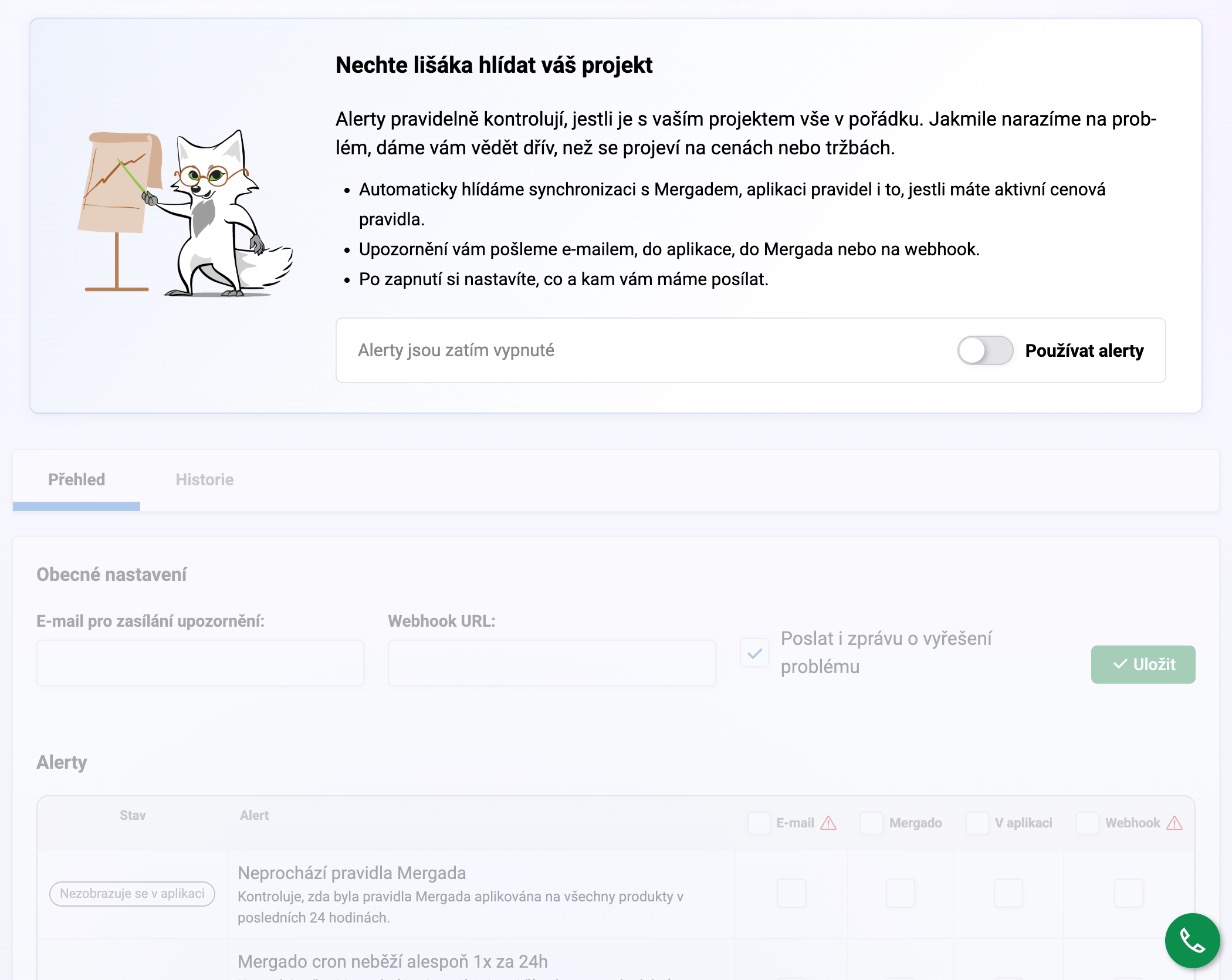
Alerts watch whether everything Pricing Fox needs is working in the background: connections, data synchronization, active rules. Unlike Diagnostics, which evaluates the quality of your prices, alerts are a simple “working / not working” check.
What Pricing Fox watches#
- That your feed syncs with Mergado often enough.
- That Pricing Fox actually completed a price recalculation in the last 24 hours.
- That the elements you use in settings and rules still exist in your feed.
- That you have at least one active rule.
- That your output connection to your store system is working.
- That your connections to Heureka, Zboží.cz, Google Merchant Center, and Google Analytics 4 are fine (depending on which ones you have active) — including things like a positive ad credit or a valid export URL.
How you find out about a problem#
Pricing Fox can notify you through several channels: directly in the app, via Mergado, by email, or via webhook. Everything is configured right on the Alerts page — at the top you enter a general email address and webhook URL, and for each individual check you then tick which channels should notify you about it. That way you can send more important problems by email, for example, and leave minor ones just in the app.
Frequently asked questions#
Do I need to turn alerts on somehow? Once you enable a particular alert type for the first time, the in-app notification switches on automatically. You turn on the other channels (Mergado, email, webhook) yourself, depending on where you want to catch the problem first.
How quickly will I find out about a problem? Checks run every hour. Pricing Fox will remind you of an ongoing problem at least once a week until you resolve it.
Is there a difference between Alerts and Diagnostics? Yes. Alerts handle the technical side (“is the connection working?”), Diagnostics handles the quality of your prices (“is the margin okay?”). Both work independently of each other.