
Interface#
Environment#
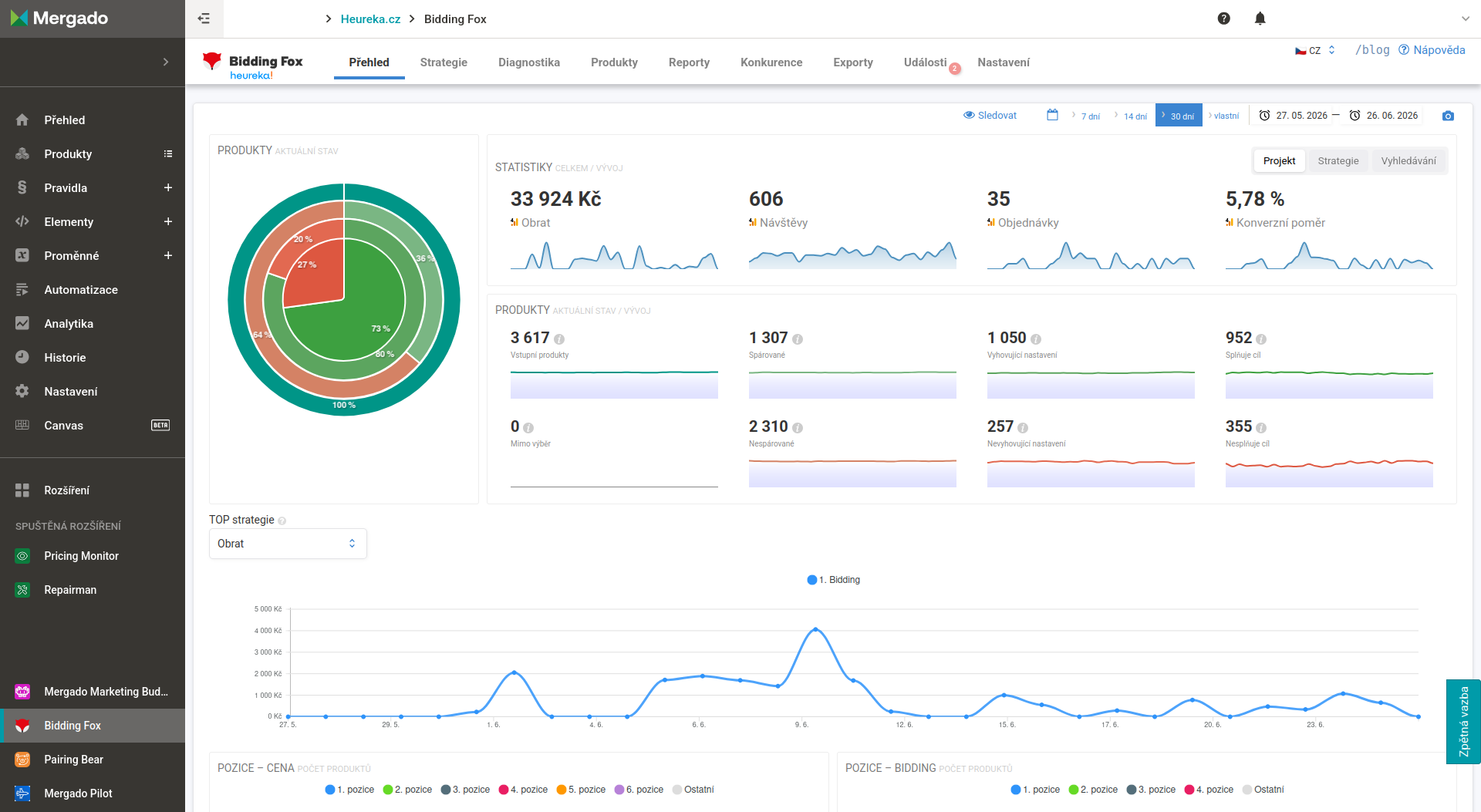
Bidding Fox is a Mergado extension, so most often you will encounter the interface integrated directly into the Mergado system. The left menu remains for moving between Mergado pages, the top menu next to the Bidding Fox logo is used for moving between the pages of Bidding Fox itself (Overview, Strategies, Diagnostics, Products, Reports, Competition, Exports, Events and Settings). In the top right you find the language switcher, a link to the blog and to the help.
Bidding Fox appears as one of the rules in Mergado. After you turn on the extension, the Bidding Fox rule appears in the list of rules, ensuring the flow of data into the extension and back into Mergado. During rule application the cost per click is therefore set right away. Thanks to the integration, you have all the queries you created in Mergado available in Bidding Fox and do not have to create them again.
Bidding Fox also creates one more rule, BF_HIDE, which hides costly products, for example, if this is set in the Strategy.
💡 Tip: If you use an import rule or a Bidding Fox Elements rule that fills the queries used in strategies, it must be above the Bidding Fox rule in Mergado. Otherwise an empty query reaches the strategy and Bidding Fox will see 0 products in it.
FAQ#
-
What do the Bidding Fox and BF_HIDE rules do in Mergado? The Bidding Fox rule sets cost per click, the BF_HIDE rule hides products (for example costly ones) if you have set this up in the strategy.
-
Why does my strategy show 0 products? Most likely the query is filled by an import rule or a Bidding Fox Elements rule that is below the Bidding Fox rule in Mergado. Move it above it. Alternatively, the products were already processed by a strategy higher up in the order.
Pages#
Overview
A summary overview of the assortment status, performance and occupancy of bid positions.
Strategies
Setting target positions, product queries and rules for automatic bidding.
Diagnostics
Problems, warnings and recommendations that affect bidding performance.
Products
A control overview of the assortment with filters, manual adjustments and exports of product data.
Reports
Performance overviews of strategies available to download in PDF or for regular sending.
Competition
An overview of competitors on price-comparison sites sorted by the number of shared products.
Exports
Management of exports of product data and competition data in CSV and HTML formats.
Events
A timeline of changes in the project for tracing fluctuations in advertising after the fact.
Settings
Configuration of data sources, product matching, alerts and report sending.
MCP and AI assistant
Connecting Bidding Fox to an AI assistant through the Model Context Protocol.