
Interface#
Environment#
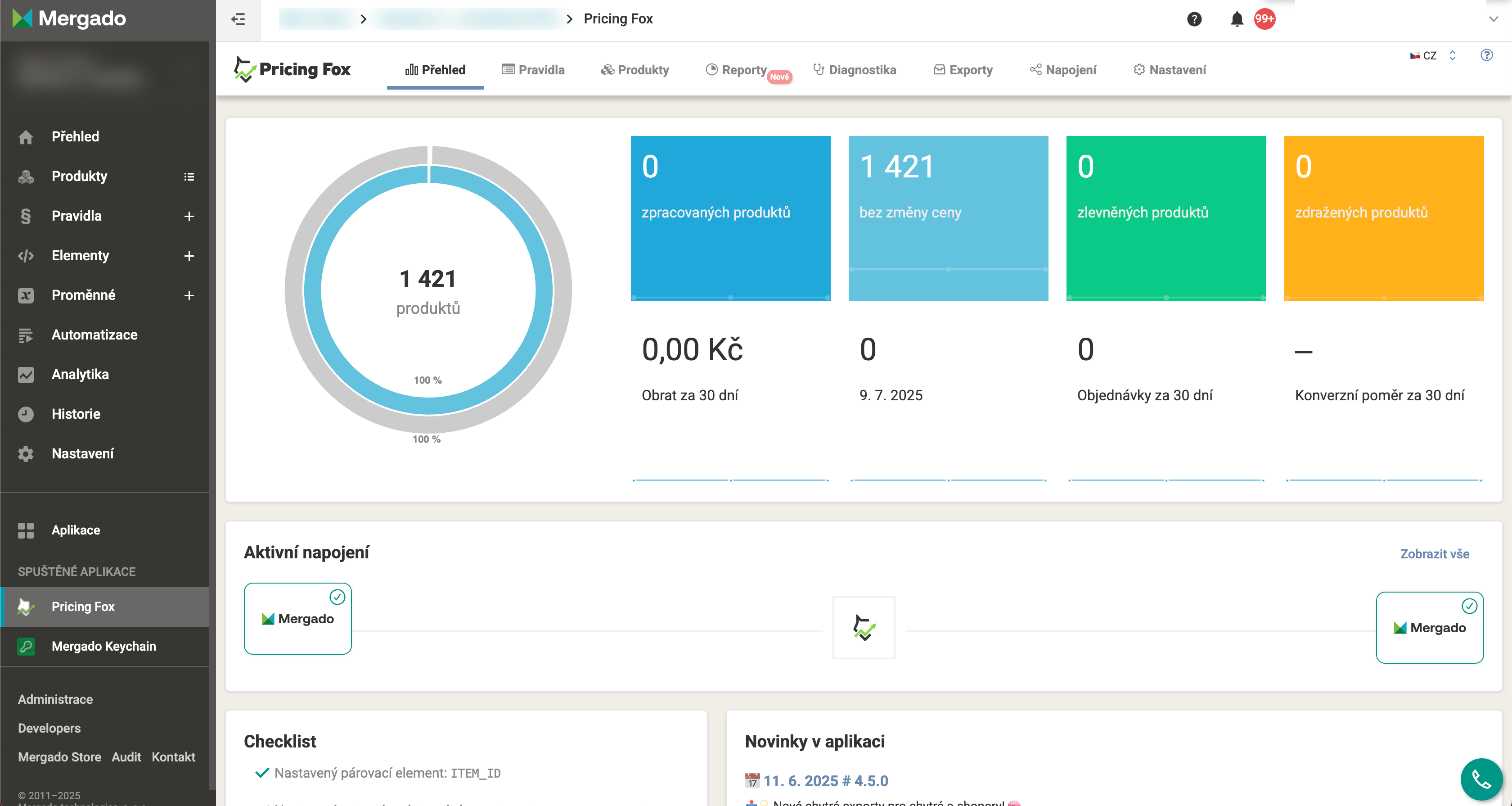
Pricing Fox is an extension of Mergado, so most often you’ll come across the interface integrated directly into the Mergado system. The left menu then remains for moving between Mergado pages, while the top menu next to the logo  is used for moving between Pricing Fox pages.
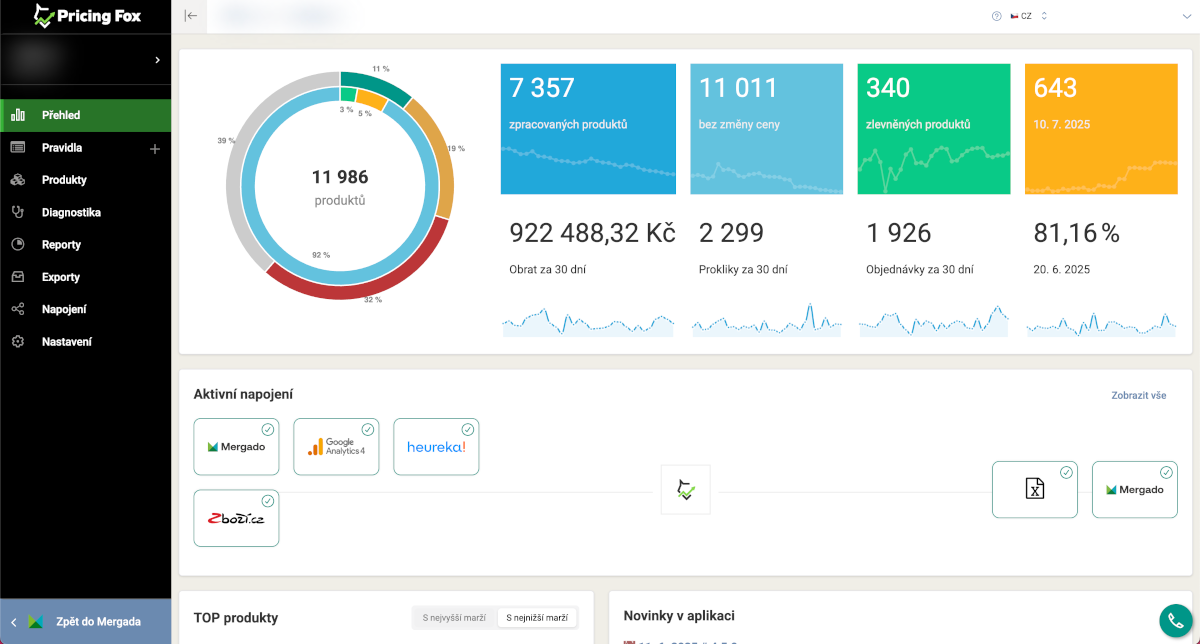
If you open one of the pages in a new browser window (e.g. via CTRL + left click in the main menu), Pricing Fox opens in a layout that allows more comfortable work on smaller displays - the top menu replaces the left Mergado menu.
Pages#
Overview
A summary overview of the project, performance over the last 30 days, and app news.
Rules
Creating and managing pricing strategies for automated repricing.
Products
An overview of all processed products and their detailed information.
Reports
Analytical overviews of assortment performance, comparison sites, and competitors.
Diagnostics
Checks that reveal issues with pricing, product matching, and competitors.
Alerts
Watching connections, data synchronization, and active rules in the background.
Exports
Central management of one-off and recurring data exports.
Connections
Setting up Pricing Fox's input and output connections.
Settings
Basic project parameters - currency, statistics, notifications, and checks.