
First run#
After activating the extension in the Mergado Store you can launch Pricing Fox in several ways:
-
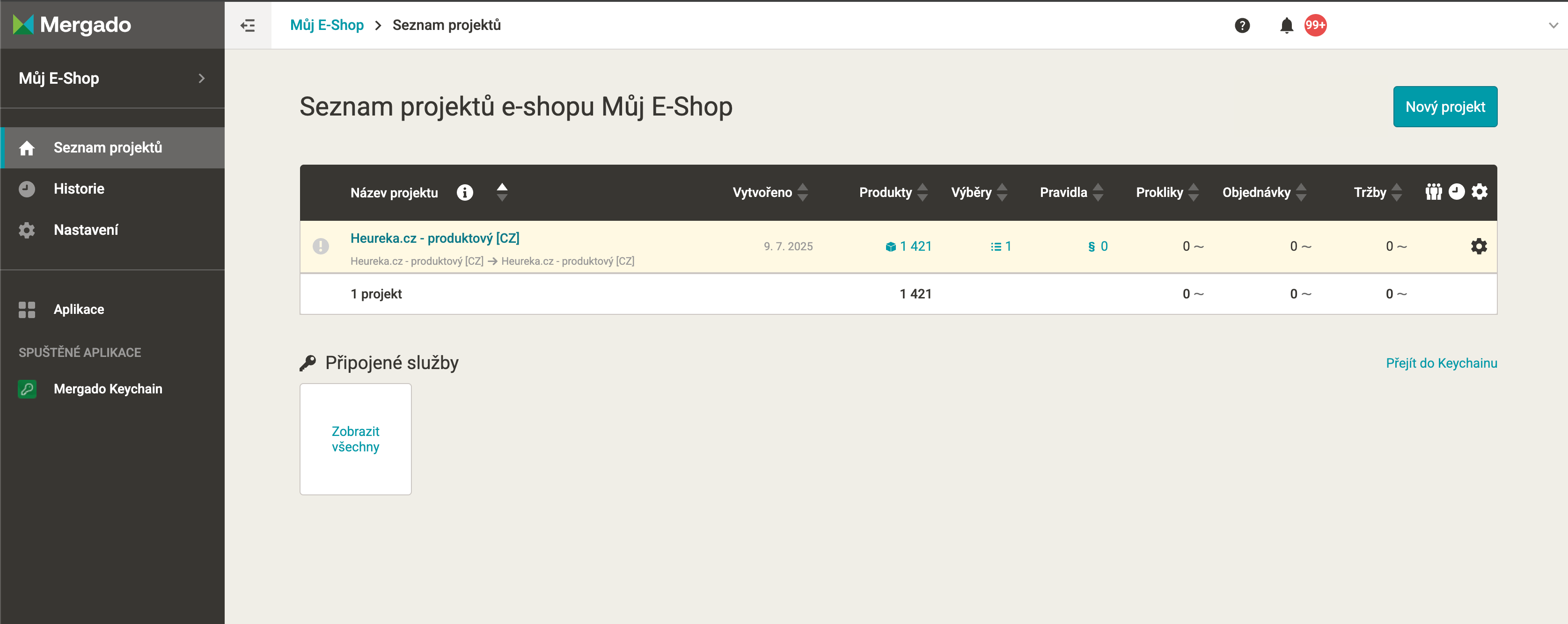
Go to your newly created project
-
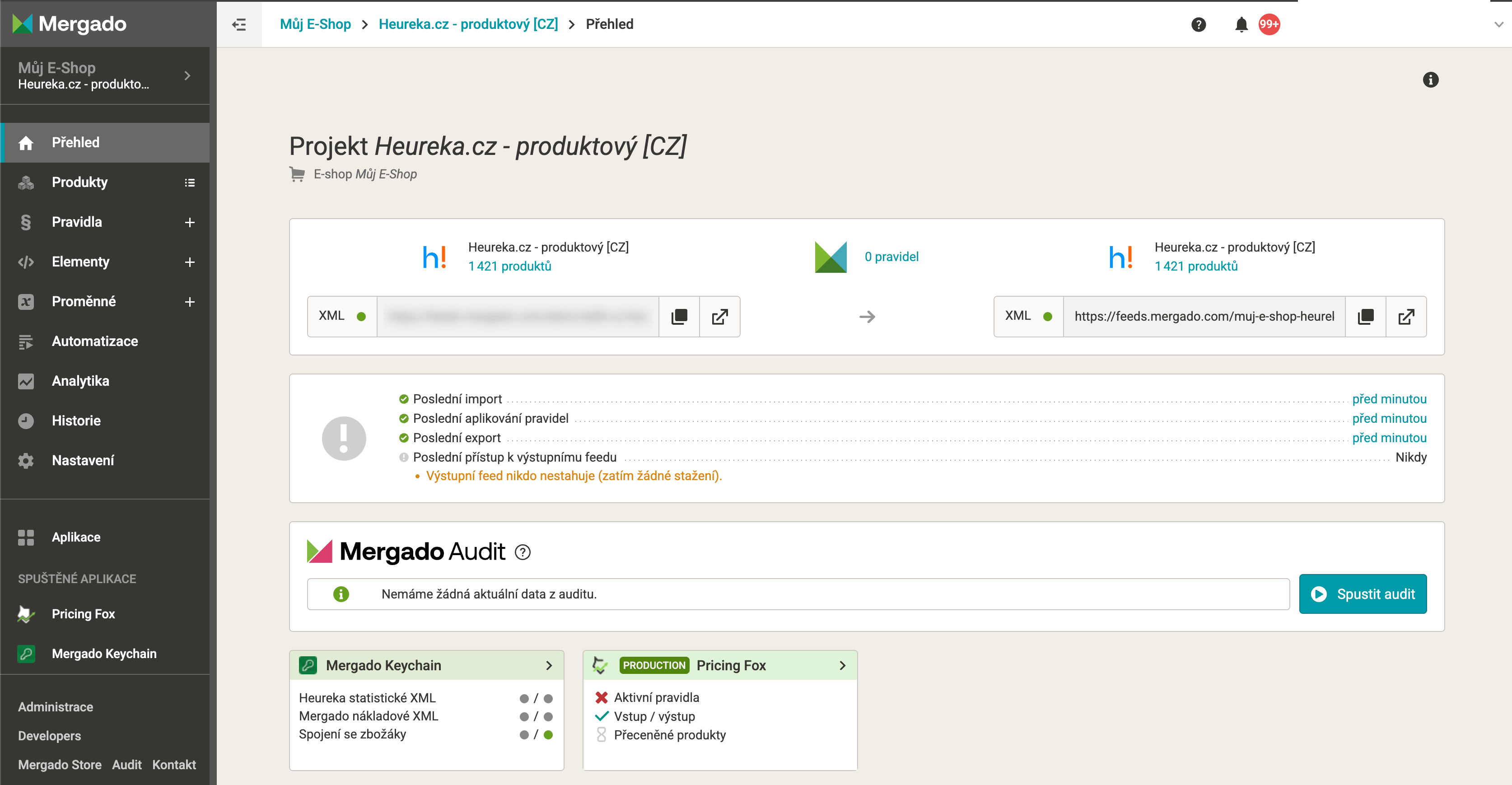
From here you launch Pricing Fox either using the widget on the home overview or using the button in the main menu
-
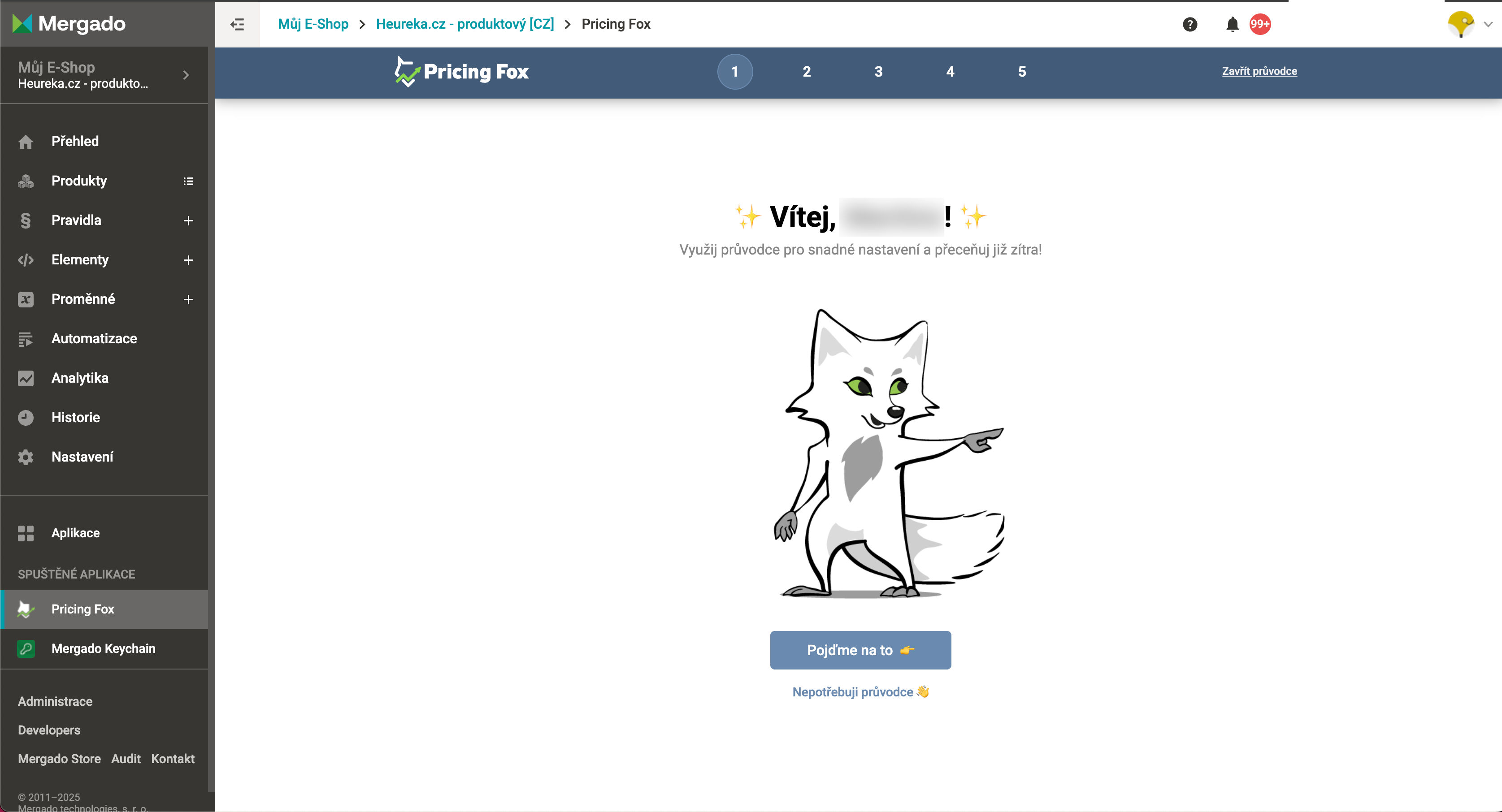
On the first run, a first-setup wizard welcomes you in Pricing Fox
-
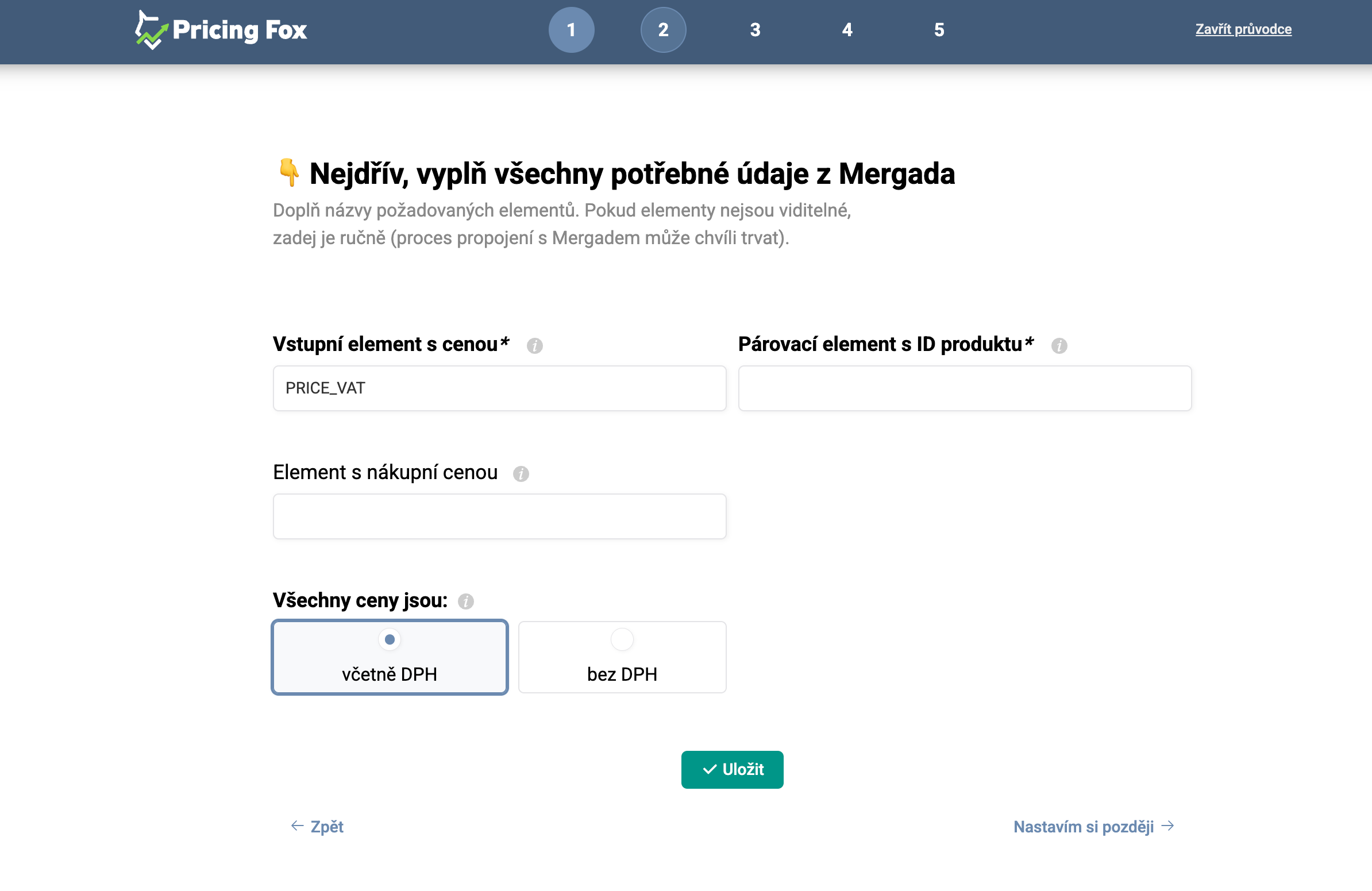
Pay the closest attention in the second step of the wizard. Correctly setting the elements from which we’ll read the important information about your products helps speed up the app’s initial start-up time. We’ll pre-fill some of the names, and if we’re not sure, we’ll at least suggest which elements you have in your feed.
-
In the following steps you can then activate the input and output connections right away. You can skip both steps and set them up later, but the sooner the connection is made, the sooner we’ll be able to use the data in Pricing Fox.
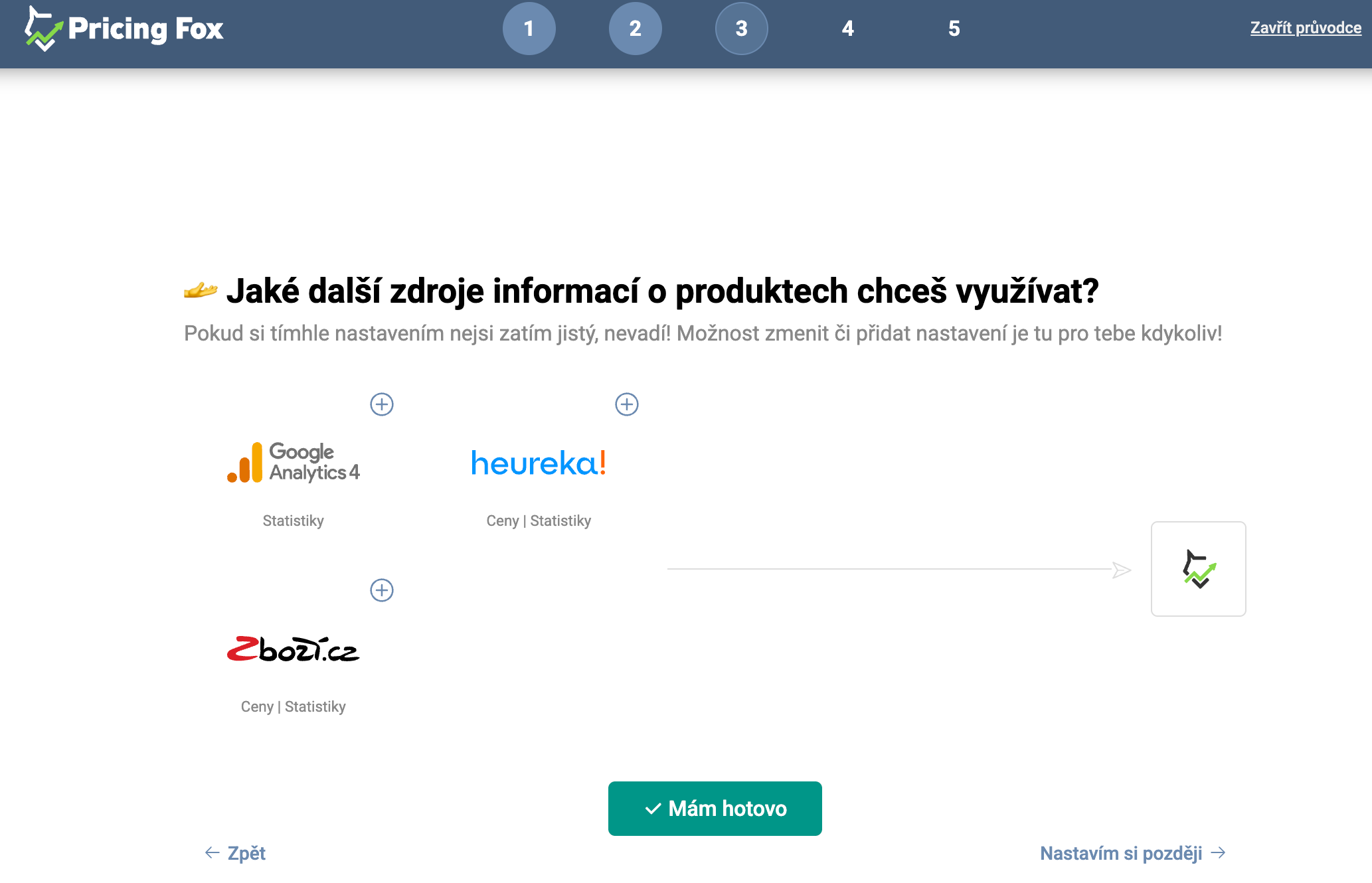
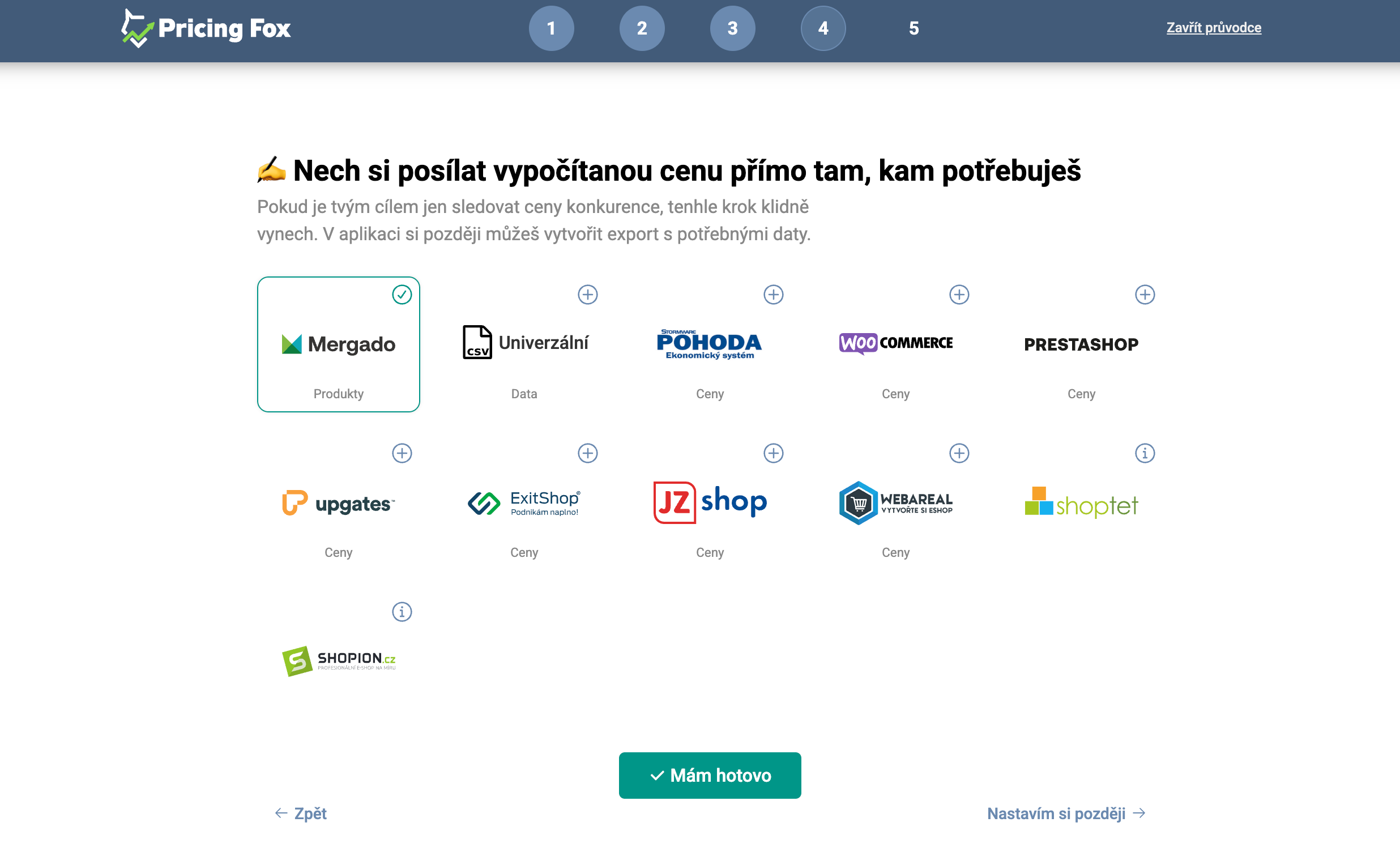
-
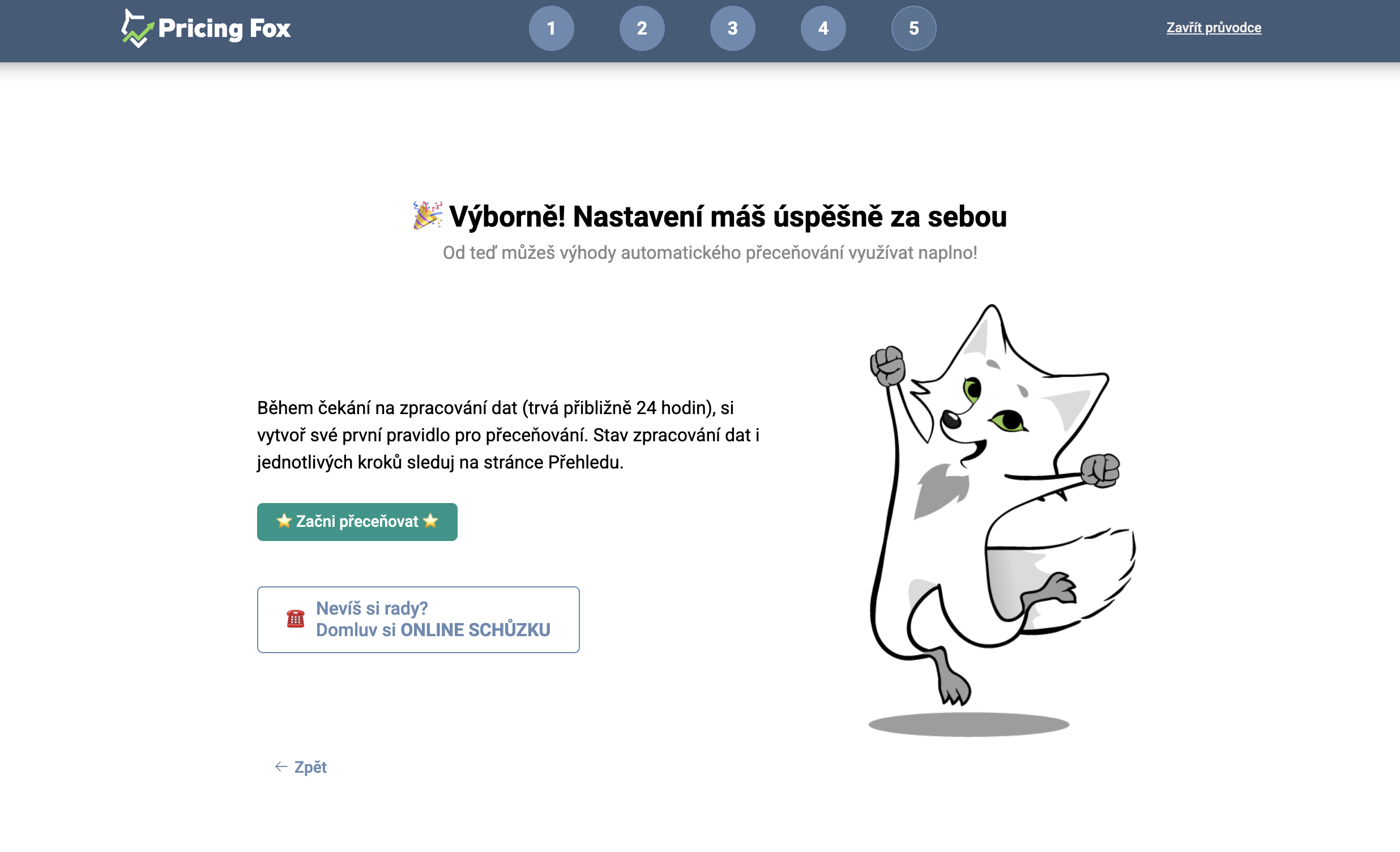
And that’s all from the wizard. Now you can either go straight to creating your first repricing rule, or close the wizard and go to the Pricing Fox interface.
After launching the app and/or adding a data source, it can take up to 24 hours before all the necessary information is downloaded and you see the first data about your assortment in the app. So please be patient. If the data still isn’t coming in after this time, write to us at podpora@pricingfox.cz or use the phone button and we’ll get back to you as soon as possible.
FAQ#
Why don’t I see any product data after the first run? After launching the app and adding a data source, it can take up to 24 hours for all the necessary data to load. This is normal on the first run. If the data still isn’t coming in after 24 hours, contact support at podpora@pricingfox.cz.
Do I have to set up the connection right away in the wizard, or can I do it later? The connection steps can be skipped in the wizard and completed at any time later on the Connections page. However, the sooner you set up the connection, the sooner Pricing Fox will start downloading competitor data and statistics.
How do I correctly set the pairing element in the second step of the wizard?
The pairing element is the identifier by which Pricing Fox recognizes individual products and pairs them with records on the price comparison sites. It’s most often an element such as CODE, ITEM_ID, or EAN. If you’re not sure, the wizard suggests which elements you have available in your feed.