
Upgates#
Connecting Pricing Fox to Upgates brings a lot of benefits for online stores that want to streamline and automate their price strategies. What exactly does this certified add-on offer?
Key features of the add-on:#
-
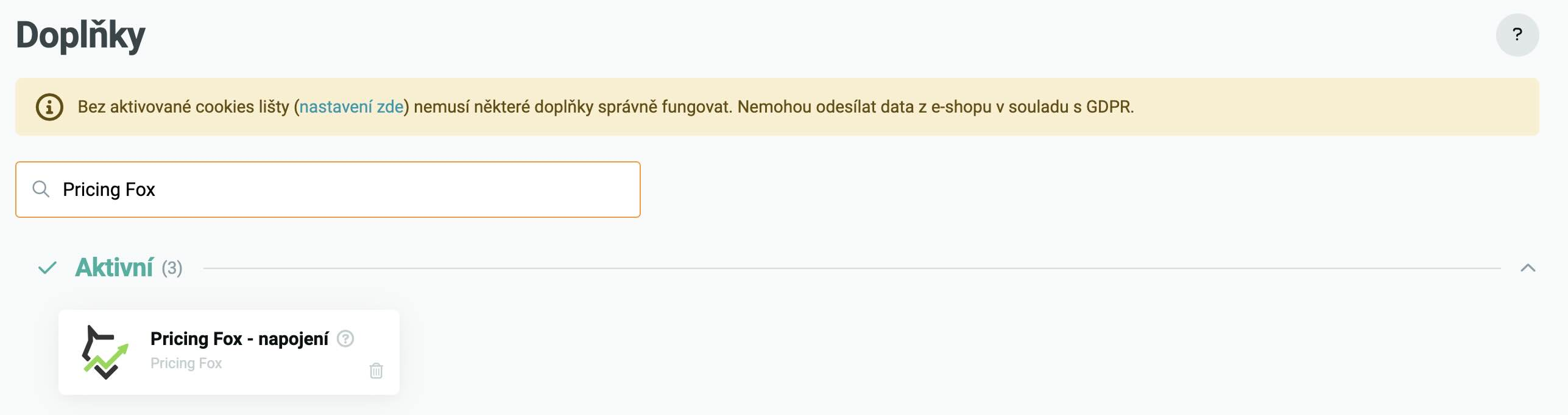
Easy connection: Just activate the verified add-on in the Upgates administration and then fill in your store’s URL in Pricing Fox
-
Automatic repricing: New prices are automatically transferred to your Upgates administration
Pricing Fox is designed to help you maintain optimal prices based on current market conditions. It ensures your offers are always competitive and profitable.
How to activate the add-on?#
To launch the add-on, you just need to take a few steps. Whether or not you have an account in Mergado, the procedure is simple.
If you don’t have a Mergado account:#
-
Create a project in the Mergado Editor. The add-on needs a connection to your Mergado account and at least one active project.
-
Activate Pricing Fox in the Mergado Store. This automates your prices and synchronizes them via the Upgates add-on directly with your store.
If you already have a Mergado account:#
- Just turn on the Pricing Fox app in the Mergado Store and set up the rules for automatic repricing.
If you also have Pricing Fox connected:#
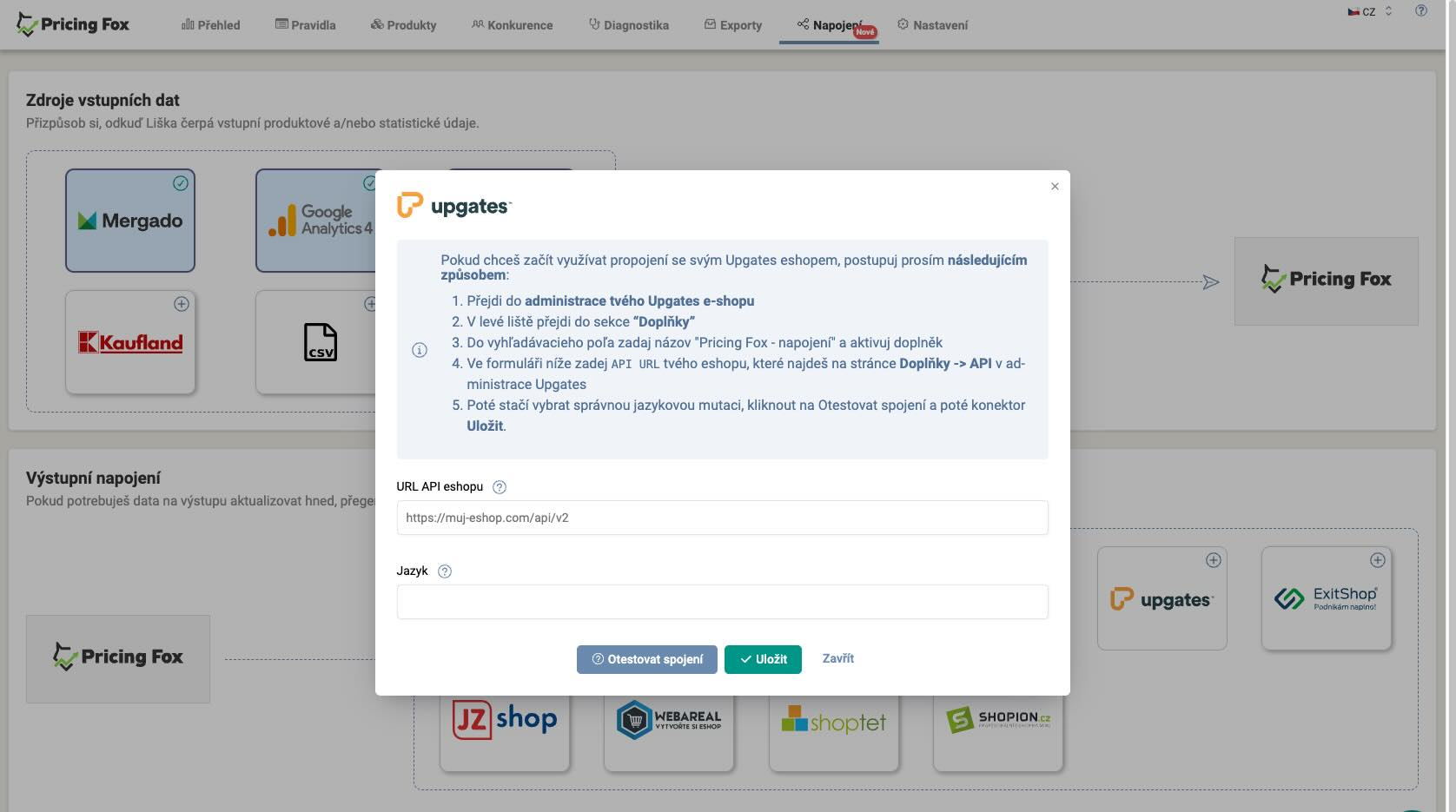
- Activate the add-on in the Upgates administration. Then, in the Pricing Fox app, in the “Connections” section, add the details for the connection to Upgates. You can test the connection directly in the app.
Is this add-on right for you?#
Pricing Fox is an ideal choice for everyone who wants to optimize prices and stay a step ahead of the competition:
-
Online store owners who want to automate pricing and ensure competitive prices.
-
Marketing specialists who need tools for tracking the competition and setting dynamic prices.
-
Analysts who focus on analyzing the market and price trends.
This add-on will also be appreciated by larger online stores with a more extensive assortment, where managing prices can be demanding and sophisticated automation tools are key.
FAQ#
How quickly are the repriced prices transferred to Upgates? Prices are transferred automatically after each pricing recalculation in Pricing Fox. The recalculation interval depends on the Mergado settings – it runs several times a day. So the current prices in Upgates correspond to the last recalculation.
Do I need Mergado to use the Upgates add-on? Yes. Pricing Fox is an extension of Mergado, so an active project in Mergado is a necessary condition. If you don’t have Mergado yet, start by creating a project in the Mergado Editor – you have it available free for 30 days.
Can I test the connection before going live? Yes. Right in the Connections section in Pricing Fox there’s a Test connection button that verifies whether the login credentials are correct and communication works, without the prices actually being written.