
Main Features#
-
Image diagnostics – With Feed Image Editor, you can easily find errors that prevent your products from selling. You’ll instantly see whether your photos meet ad channel requirements — spotting watermarks, low resolution, and unsuitable formats. With a clear overview of issues and recommendations, you can quickly fix shortcomings and make sure your products look professional and stand a better chance of catching customers’ attention.
-
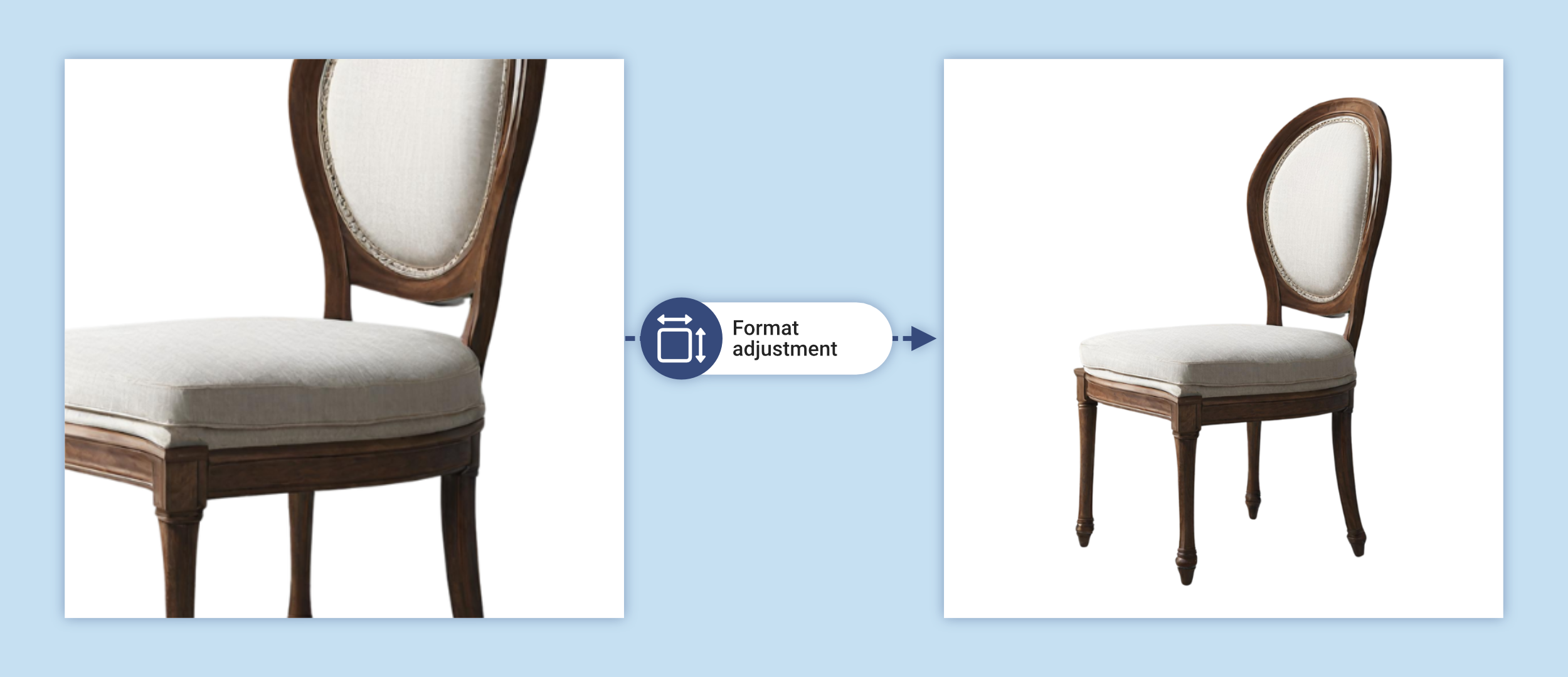
Format customization for every ad channel – Adjust image dimensions and format with a single click to meet the specific requirements of individual ad platforms and price comparison sites, such as Facebook, Instagram, Google Merchants, Heureka, Allegro, Kaufland, Zboží.cz, Glami and many others. This helps you avoid ad rejections due to incorrect dimensions.
- Removing and generating backgrounds – Get rid of unsuitable or distracting backgrounds on thousands of product images with a single click and replace them with the color of your choice. With Outpainting, you can fill in a missing scene for images that were, for example, shot in portrait or landscape orientation and need to be converted to a square format.

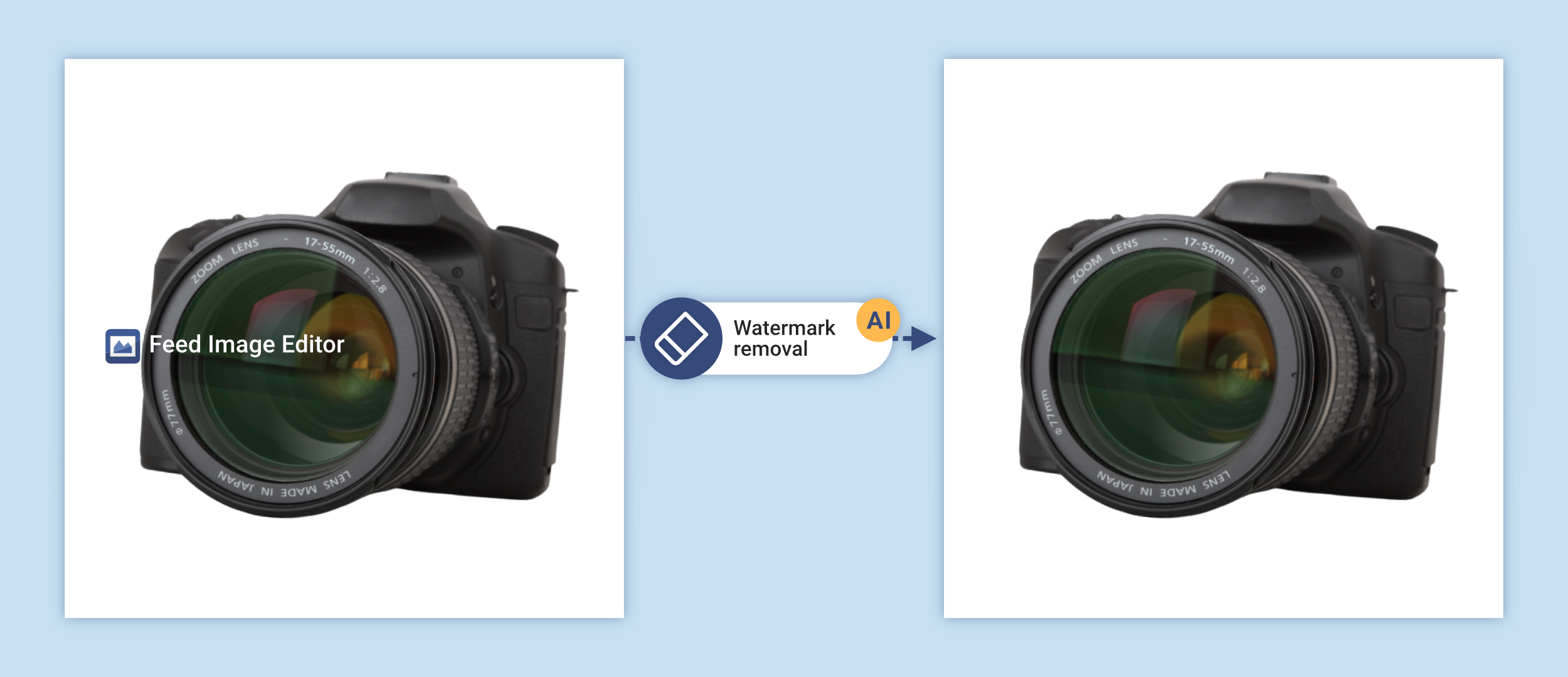
- Watermark removal – Simply mark an identical watermark on a few images, and Feed Image Editor takes care of the rest. It automatically removes it from all your product photos. The feature can also handle watermarks that overlap the product, as well as remove other distracting text or graphic elements, such as logos or badges.
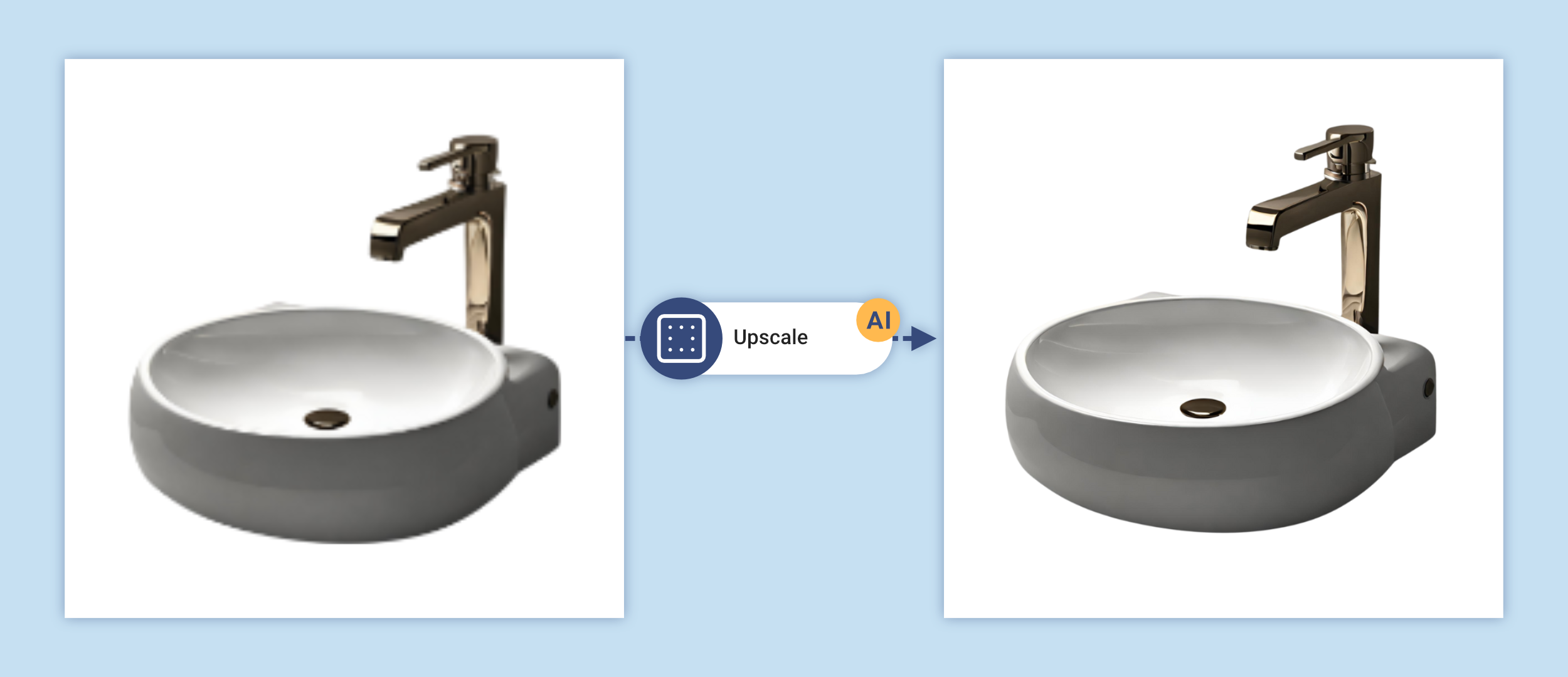
- Improving image resolution and quality – With Upscale, you can turn small, blurry photos into sharp, sales-ready visuals. The extension can also find low-quality images on its own — all you have to do is enhance them with a single click.
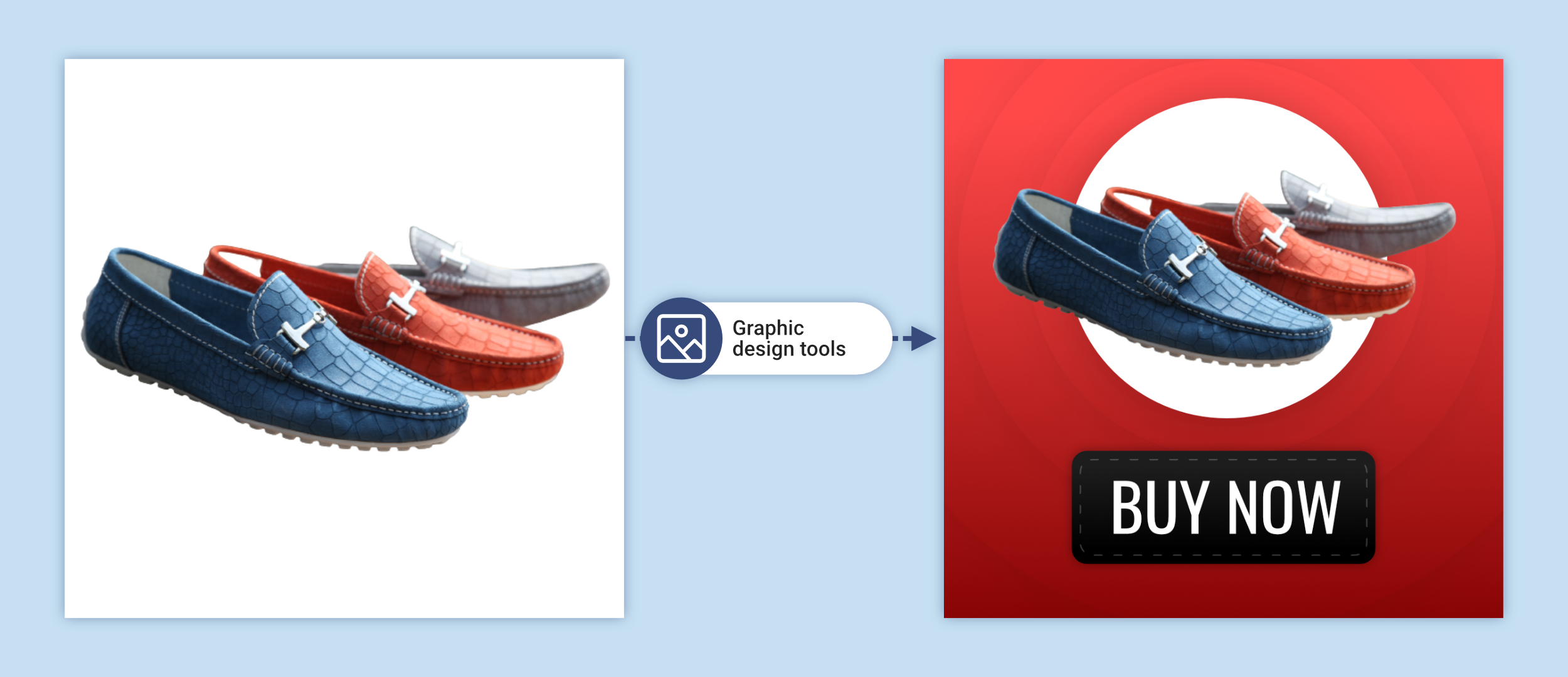
- Graphic elements and templates – Without a graphic designer and within moments, add badges with price, discount, or free shipping information, insert frames and stickers, or upload your own logo.
-
Template scheduling – You can schedule your graphic templates. This means the graphic elements on your images will automatically change during the time periods and campaigns you set. This keeps your ads always up to date without constant manual work.
-
Dynamic elements for up-to-date ads – You can insert dynamic elements from the feed into images (e.g. price, availability, or discount information), which automatically update based on the current data in your XML feed.
-
Inpainting — removing a specific recurring element from images based on marking it on a single reference image. Suitable for elements that always appear in the same place across a series of images.
-
Animated GIF and Collage — you can build an animated GIF or collage from the main image and alternative product images, suitable for carousel ads and Meta placements.
-
Visual similarity — automatically matches visually similar products from the feed to each product. This data can be used to display alternatives on the store’s product pages and to reduce bounce rate.
-
Autocrop — automatically centers the product in the image and adjusts its size to fit the output format. This ensures a consistent look across the whole feed and meets the requirements of platforms that require centered products.
-
There’s much more you can do with Feed Image Editor – from hiding products without images, through automatic compression for a faster site and better SEO, to character detection, finding visually similar products, or generating descriptions from images. With this extension, you have endless editing possibilities at your fingertips.