
Getting started with Pricing Fox#
Pricing Fox is a Mergado extension for automated pricing and competitor monitoring. Instead of repricing products by hand, you get a tool that watches the market and adjusts prices based on rules you define yourself.
What you’ll need#
- Product data from your store — most commonly an XML feed, or another supported connection.
- A project in Mergado — Pricing Fox runs on top of it as an extension. If you don’t use Mergado yet, its base plan (Editor) is included in the Pricing Fox price, so there’s nothing extra to pay for.
Three steps to your first price#
1. Create an account in Mergado Editor#
Just register with your email address and choose a password. You only need to add payment details once you’re sure you want to keep using Mergado and Pricing Fox after the 30-day trial, during which both systems are fully functional for free.
2. Fill in your product feed details#
Choose the products the rule should apply to and connect your data source — usually an XML feed from your store. Optionally add more sources: Heureka, Zboží.cz, Google Merchant Center, Google Analytics 4, or your own CSV. A clear wizard guides you through setting up the project.
3. Turn on Pricing Fox#
Set up a rule — what the new price should be based on (typically the competition) and what safe boundaries it should respect (minimum margin, maximum discount, a fixed price ceiling). Pricing Fox then evaluates the rules and prepares the new price. Your first test repricing can be ready within 24 hours of creating the project.
The first-setup wizard also walks you through choosing a matching element (typically CODE, ITEM_ID, or EAN), which Pricing Fox uses to recognize the same product across all your data sources. It pre-fills some names automatically, and suggests which elements are available in your feed for the rest. You can activate connections to price comparison sites or your output system right in the wizard, or skip them and add them later — the sooner you connect them, though, the sooner Pricing Fox has data to work with.
A safe start — test first#
Pricing Fox won’t start changing prices in your live store from the very first moment. Recommended approach:
- Set up your products, rules, and limits.
- Let the system calculate prices in test mode — you review the results and adjust as needed, without anything changing in the live feed.
- Only once you’re happy with the results, turn on actually sending new prices to your store.
This is the main answer to the concern “will it change my prices without me knowing?” — automatic sending is only ever switched on after you’ve checked it yourself.
You don’t have to automate right away#
Pricing Fox can be used even without automatic repricing — purely for monitoring the competition, comparing offers, and exporting data. It’s a fully valid way to use it, not just a limited preview — ideal if you first want to see how your range stacks up against the market and decide for yourself in the meantime.
Trial period and price#
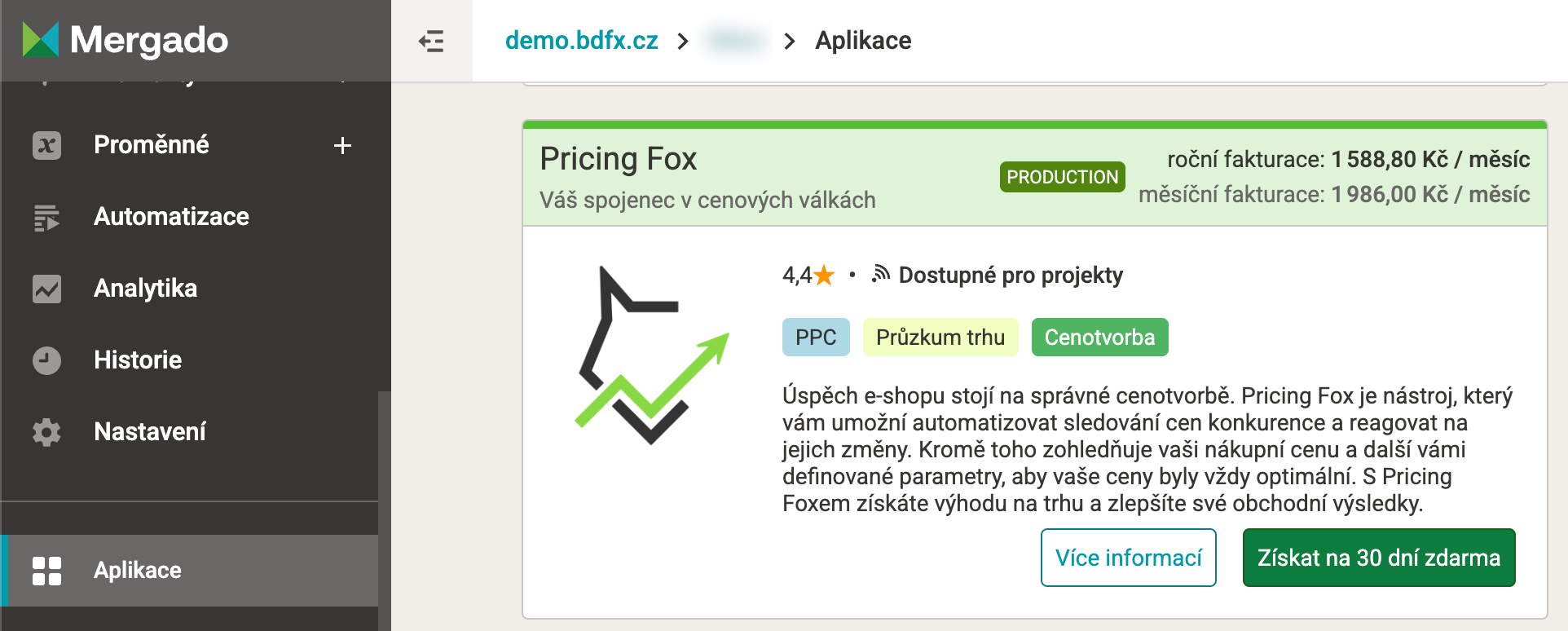
30 days free, no payment card required upfront, with full functionality. After that, a single plan covering all features: 1,986 CZK/month billed monthly, 1,588.80 CZK/month billed annually, per project in your Mergado account.
Where to find more help#
Besides this documentation, there are free online training sessions (pricing basics, initial setup, advanced strategies) and email support at podpora@pricingfox.cz.