
Product detail#
The Product detail page provides detailed information about each individual product. Here you’ll find the product’s current pricing broken down in detail, as well as other listings, including its repricing history and performance statistics.
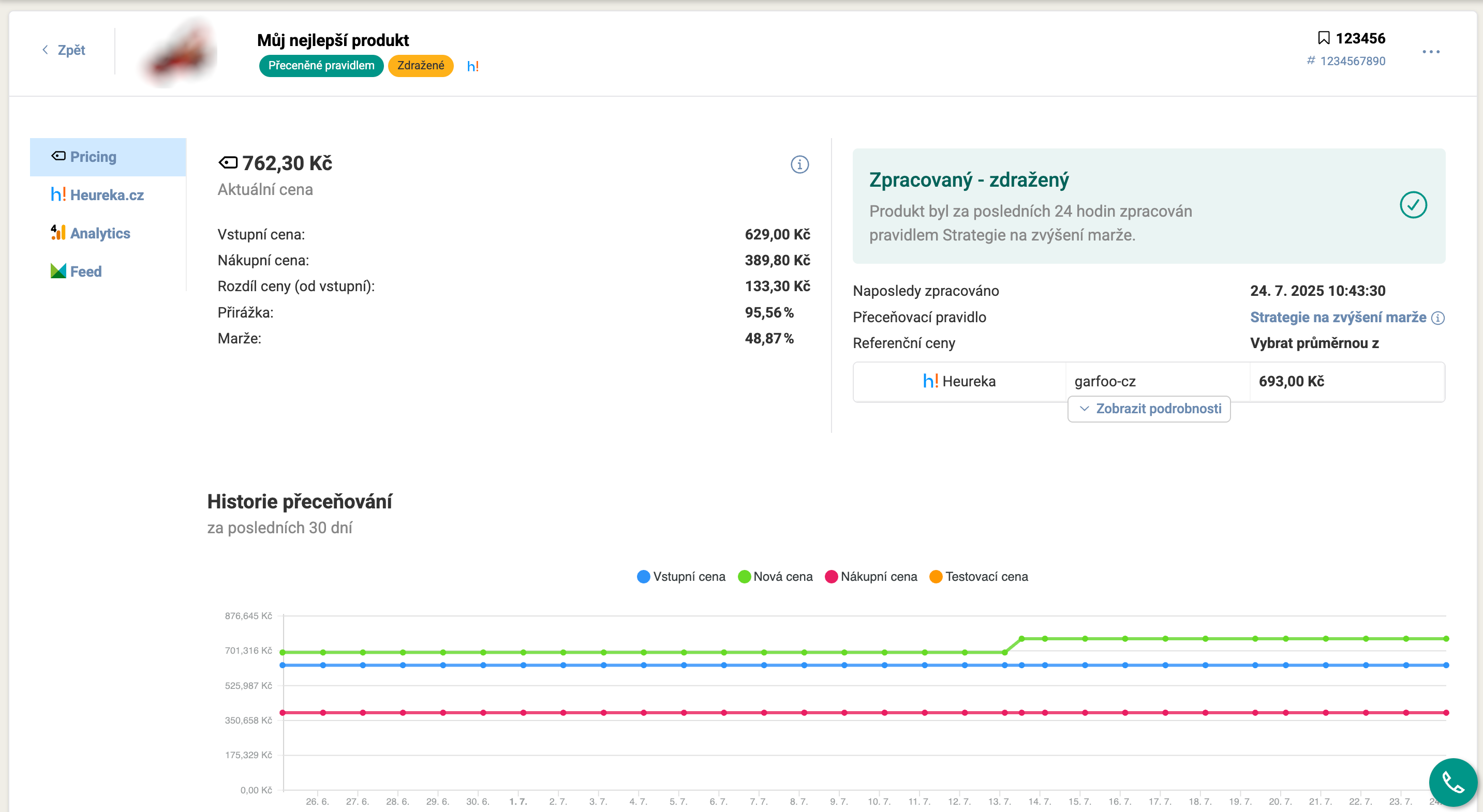
What you’ll find here:#
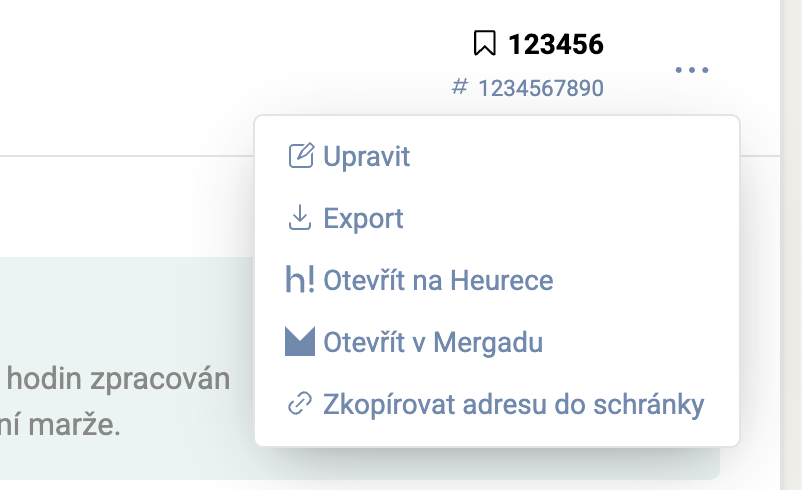
Header#

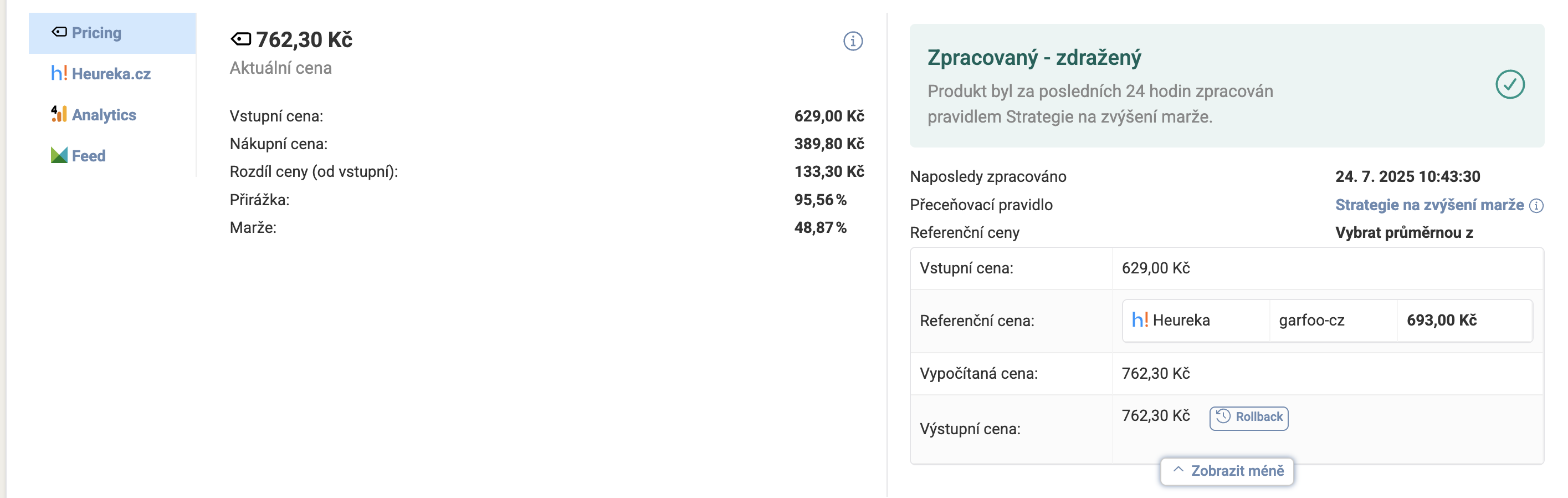
The  Pricing tab#
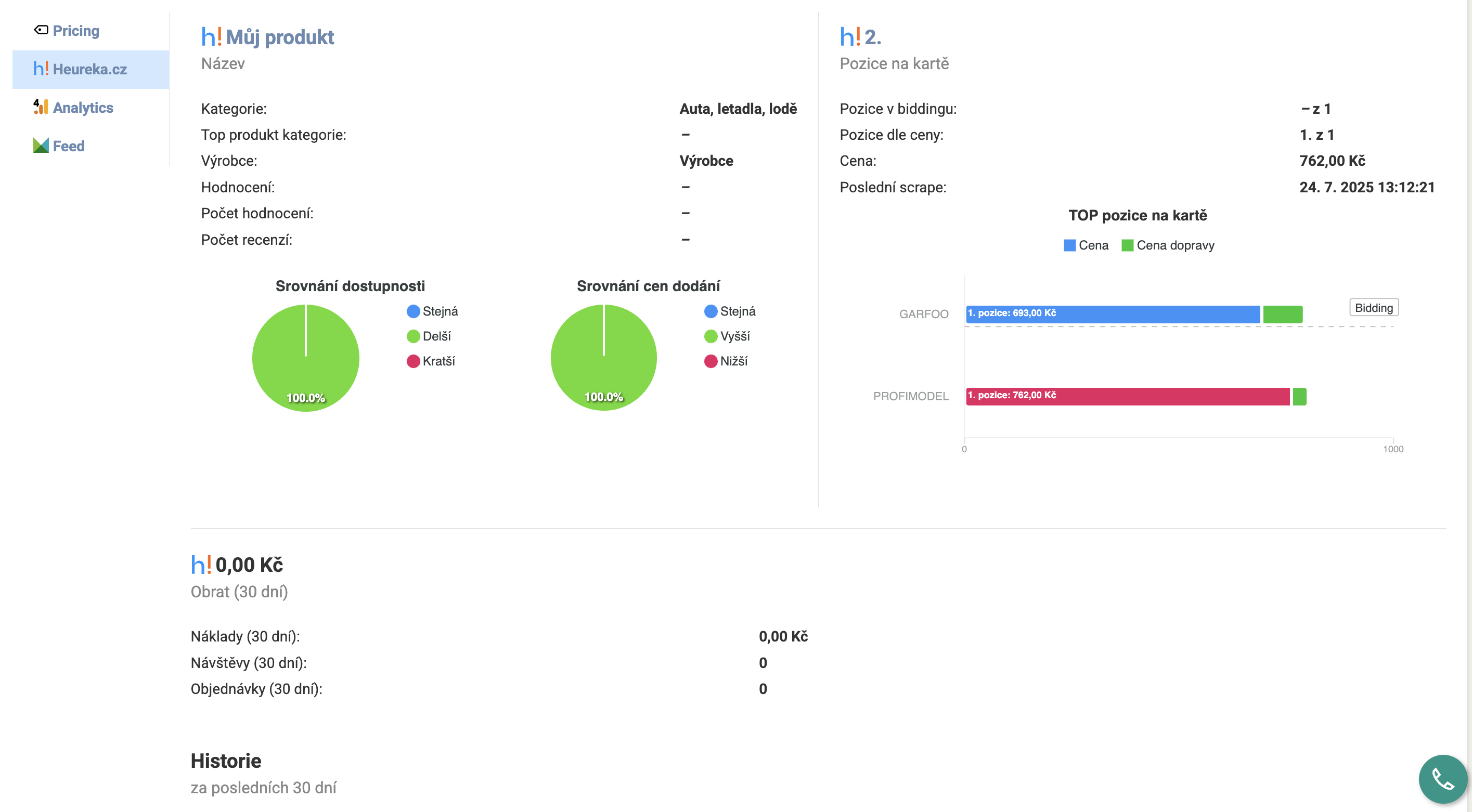
The  Heureka /
  Zboží.cz tab#
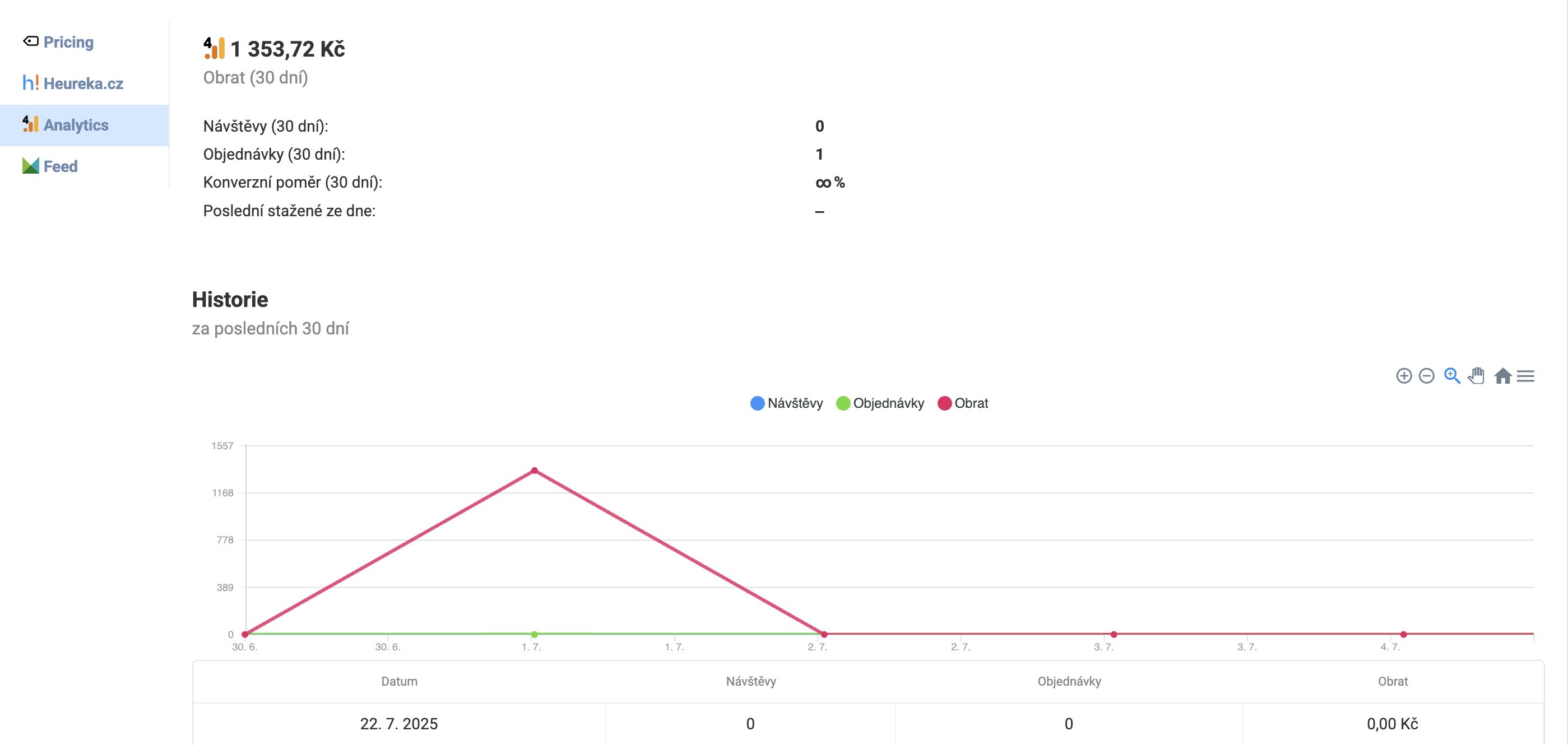
The  Analytics tab#
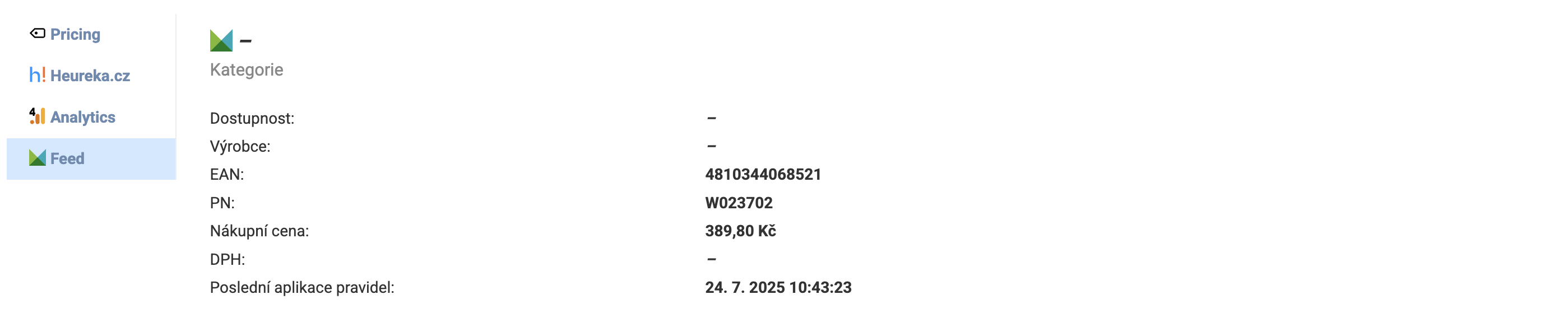
The  Feed tab#
FAQ#
How do I get to the Product detail? On the Products page, click the product name in the table – its detail will open. Alternatively, you can open the detail via the quick actions icon at the end of the row.
Why don’t I see the Heureka or Zboží.cz tab? The tab is displayed only for products that are paired on the respective price comparison site and where the project has an active connection. If the product isn’t paired or the connection is missing, the tab won’t be displayed.
Why don’t I see the Analytics tab? The GA4 tab is displayed when there’s an active connection to Google Analytics 4 and only for products for which GA4 sends data at the product level (typically via e-commerce tracking).
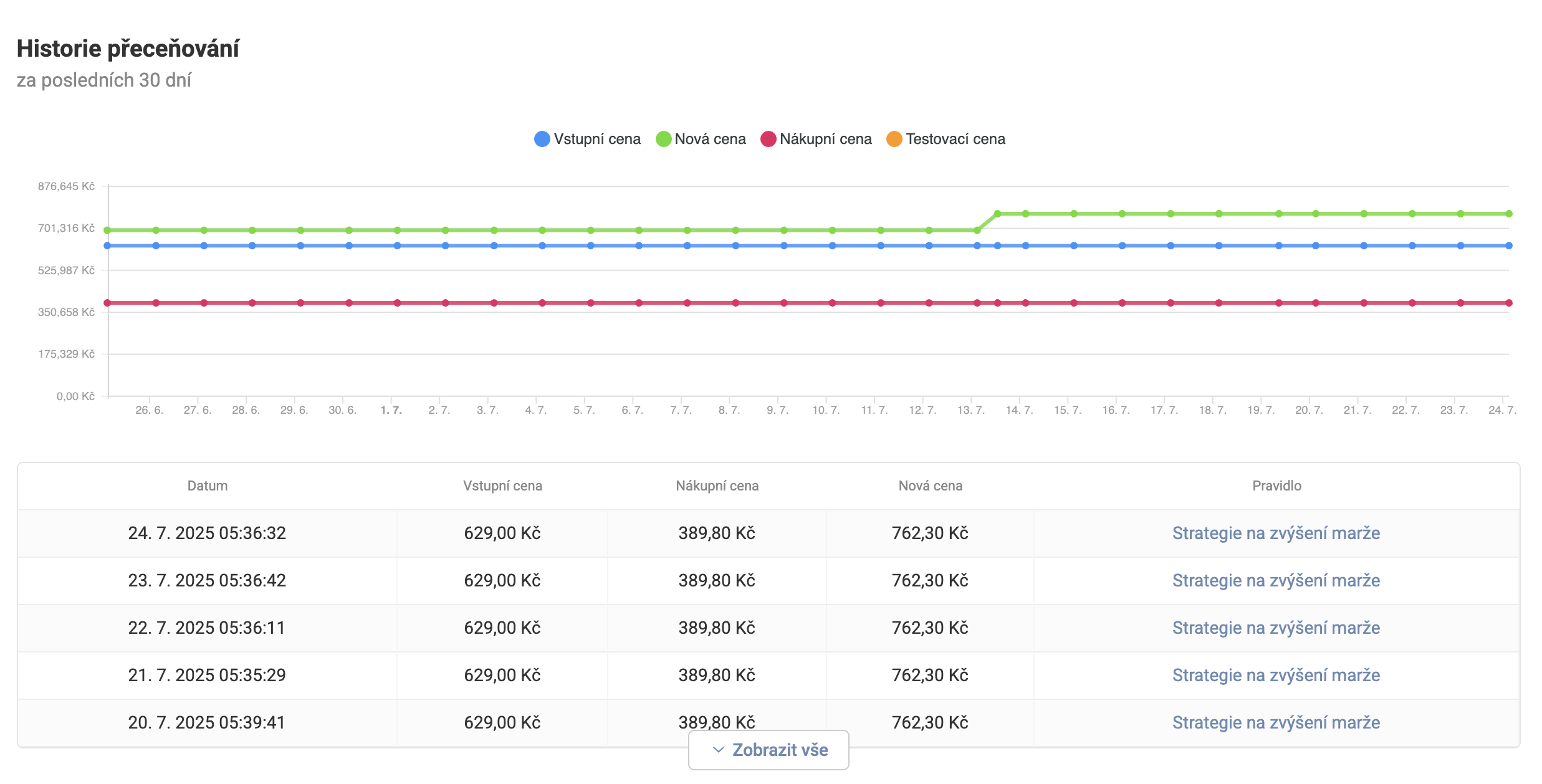
What does the price development chart on the Pricing tab mean? The chart shows the history of the input, purchase, and sale price over the last 30 days. It helps you quickly recognize whether the product’s price changed over time and how the input price developed against the sale price.