Shoptet#
Shoptet -> Mergado -> Pricing Fox -> Shoptet#
-
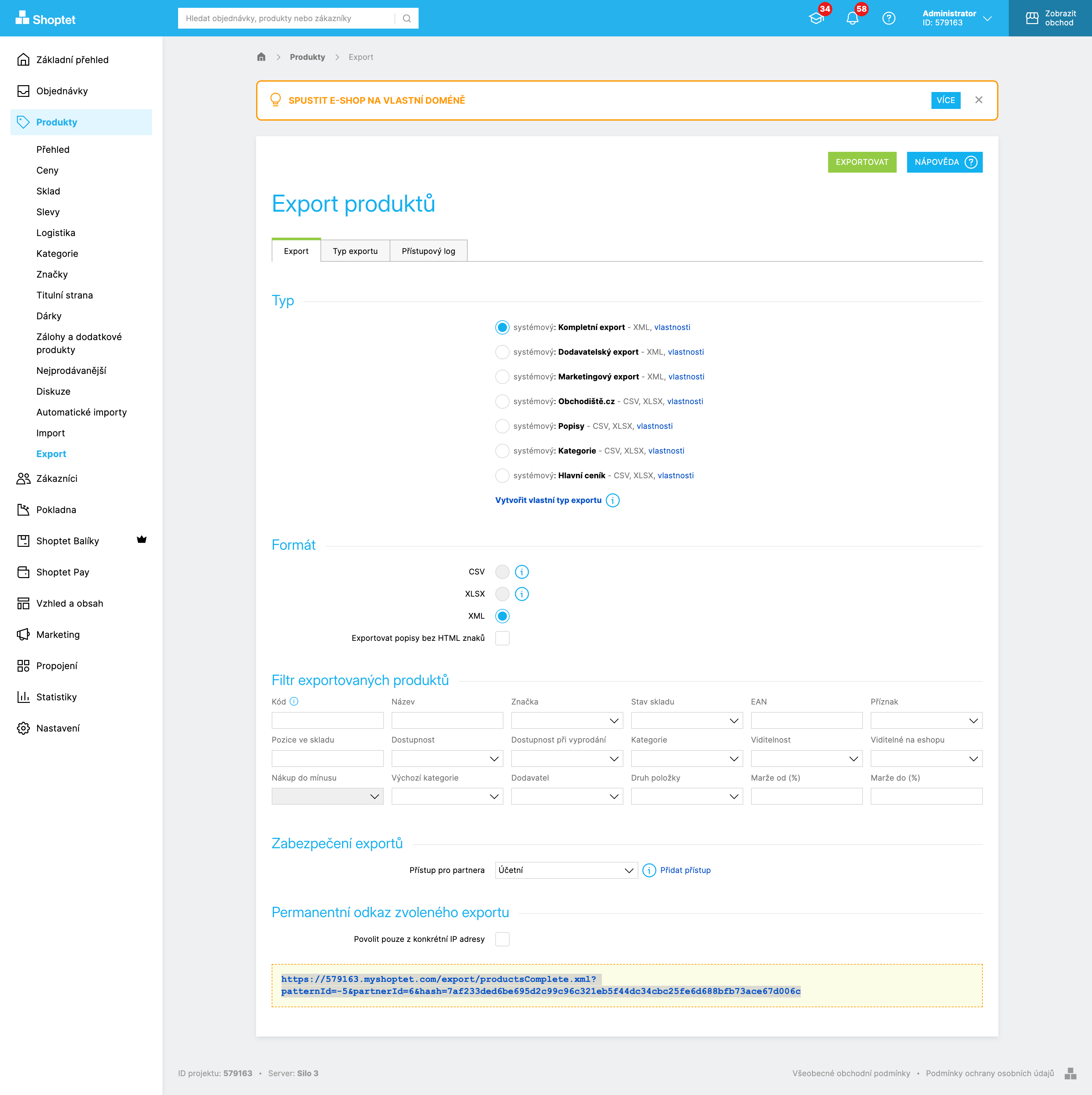
In the Shoptet administration, turn on the XML Product Export
-
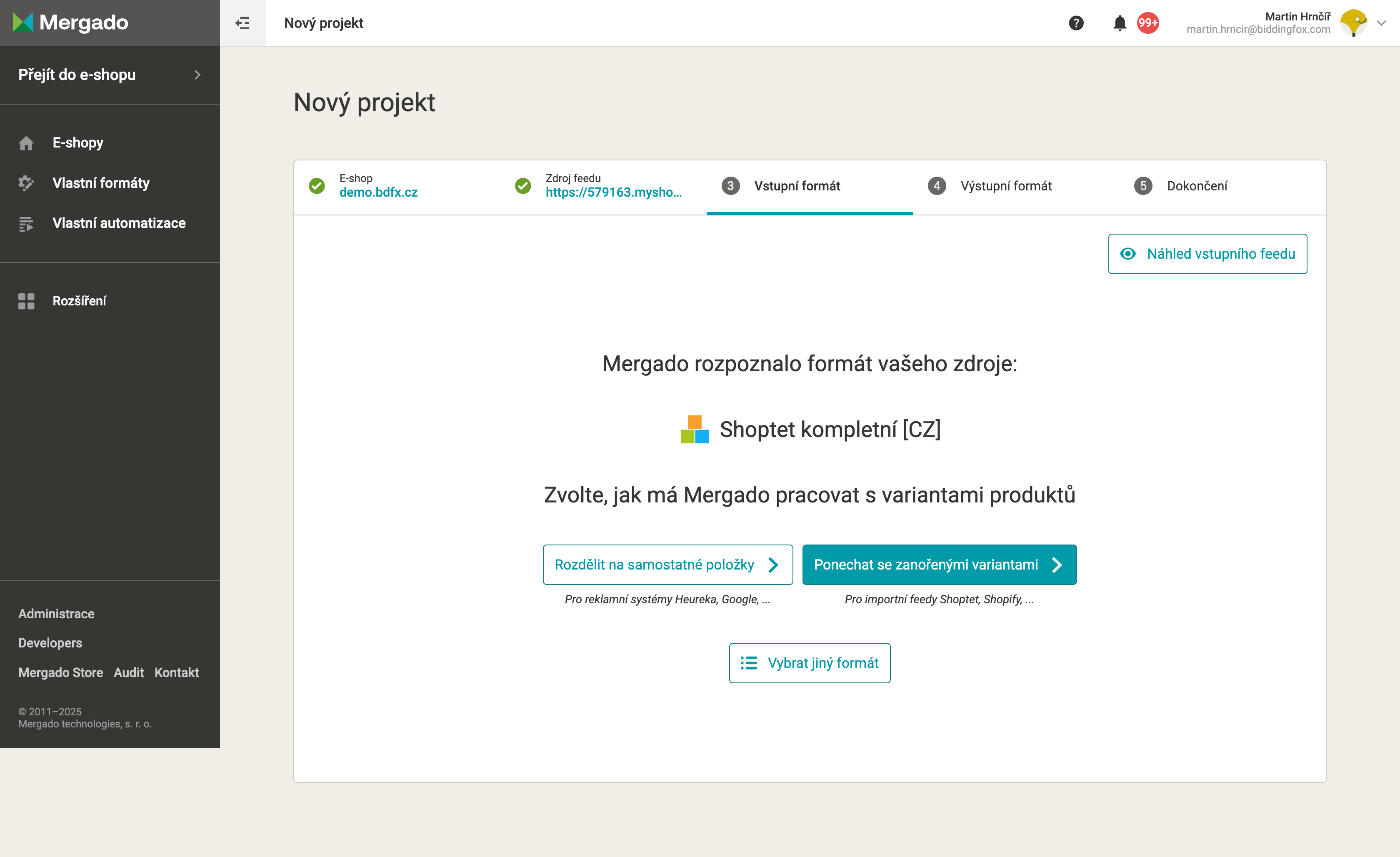
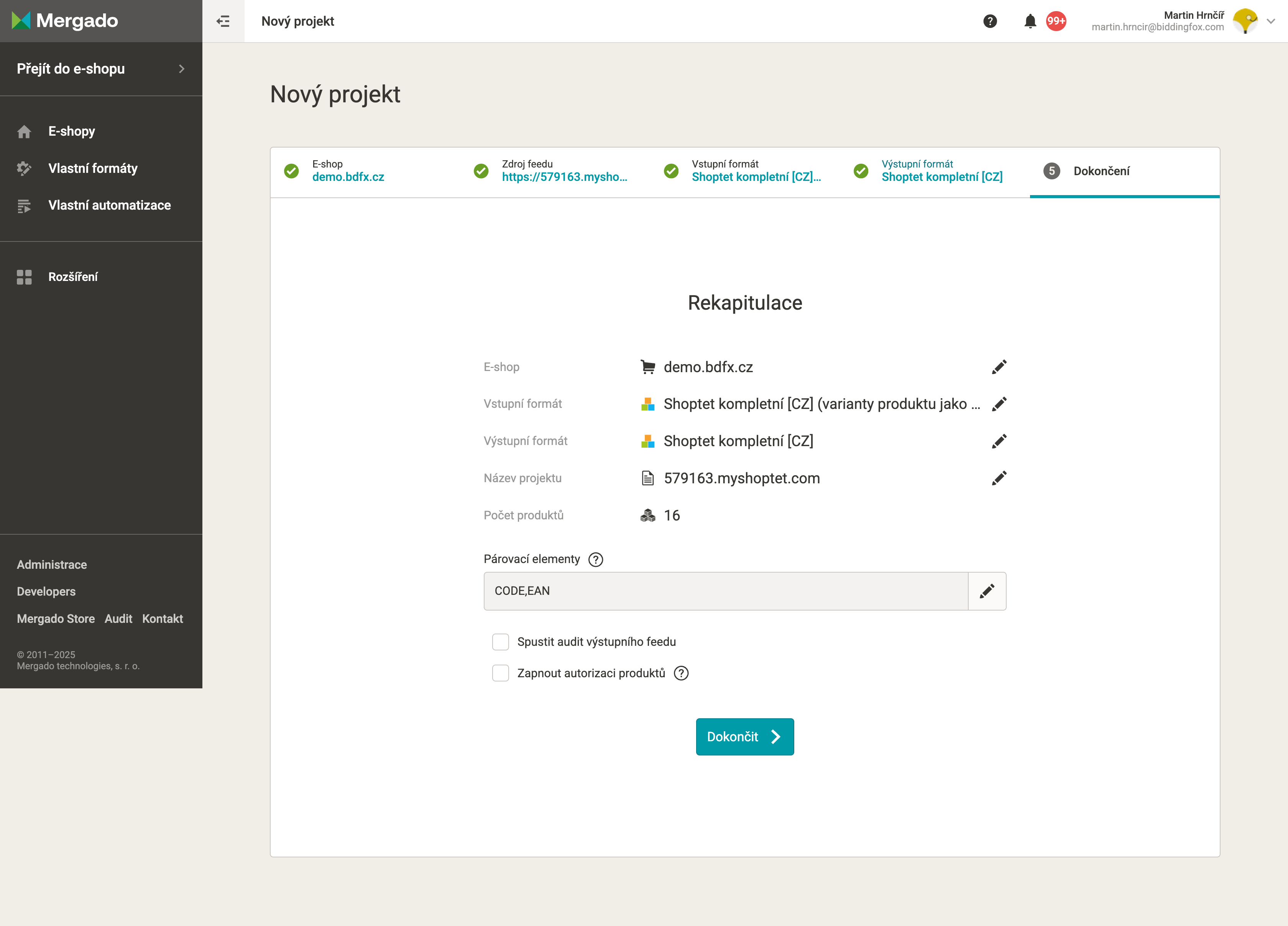
In Mergado, create a new project from the Products export
Choose: Split into separate items
-
Turn on Pricing Fox
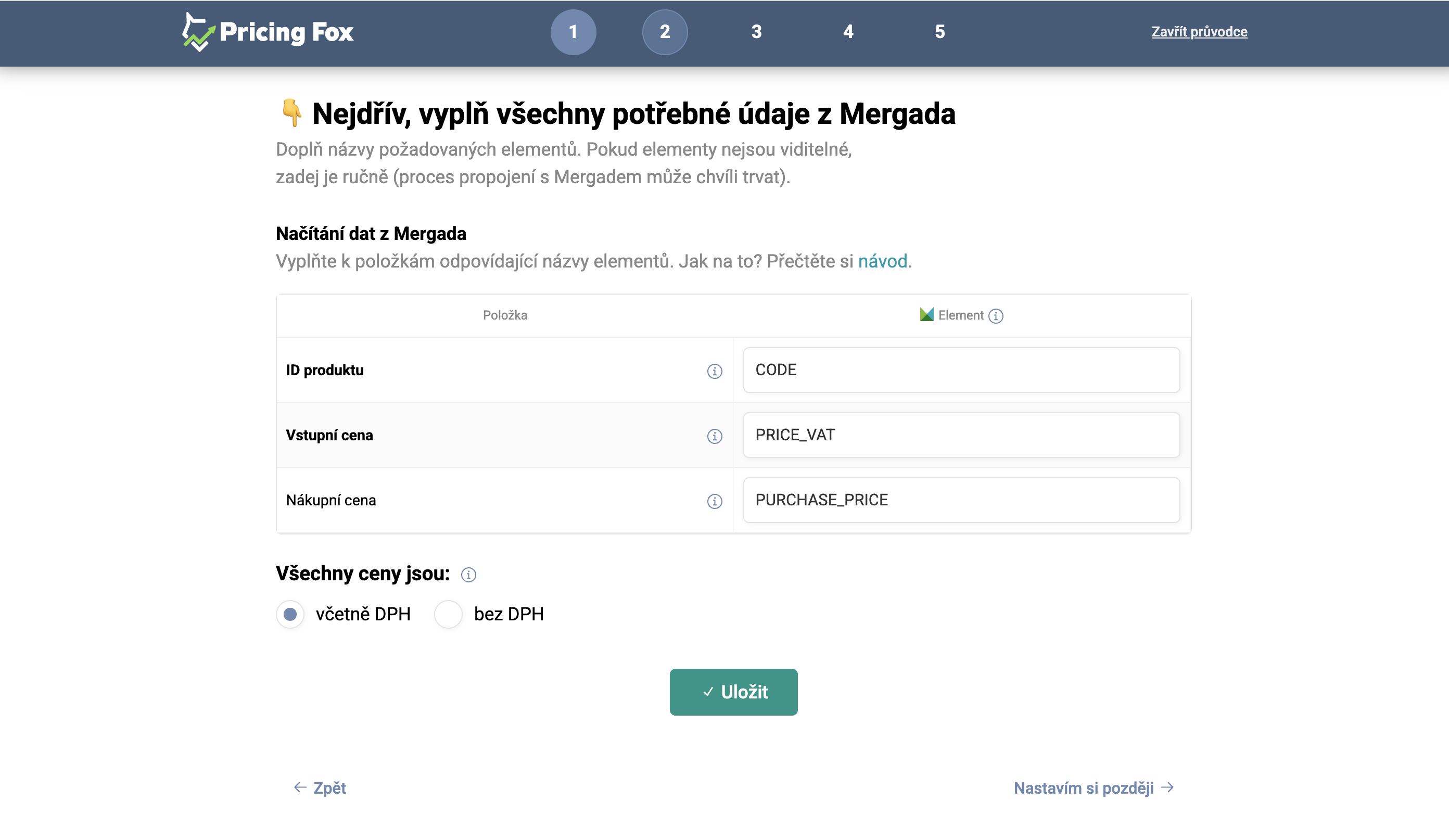
-
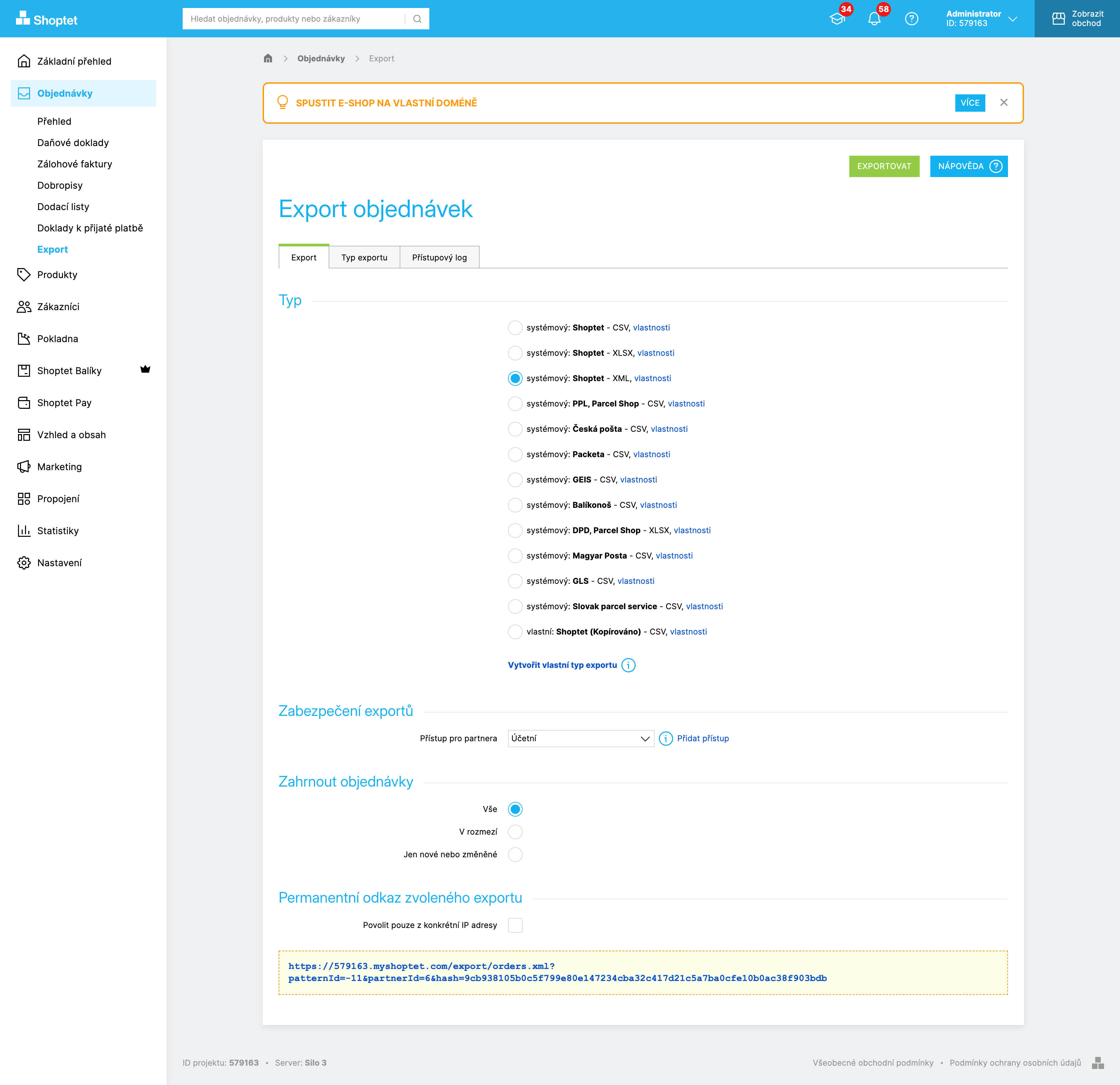
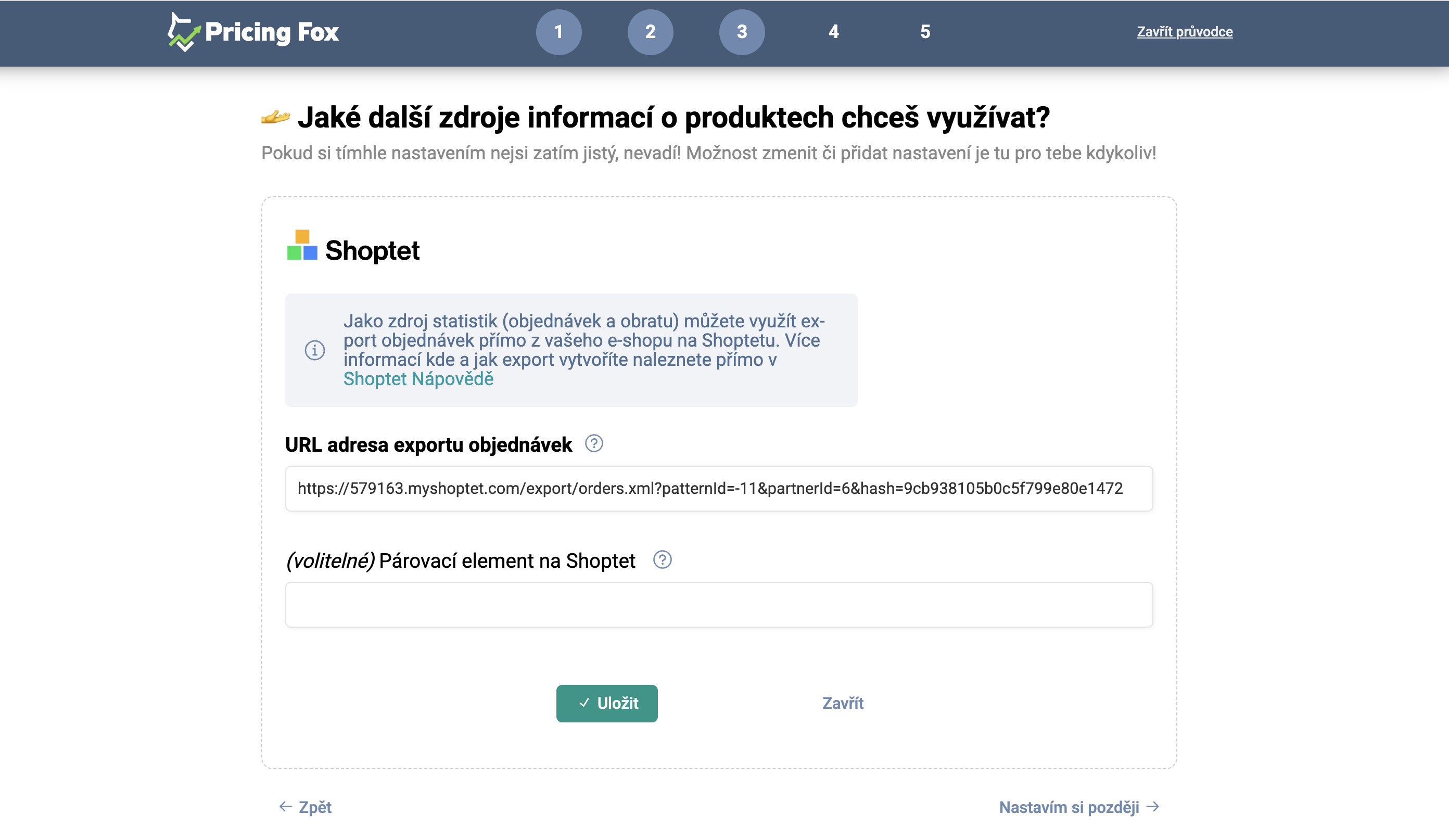
Create an XML orders export in Shoptet and add it as a data source in PF
-
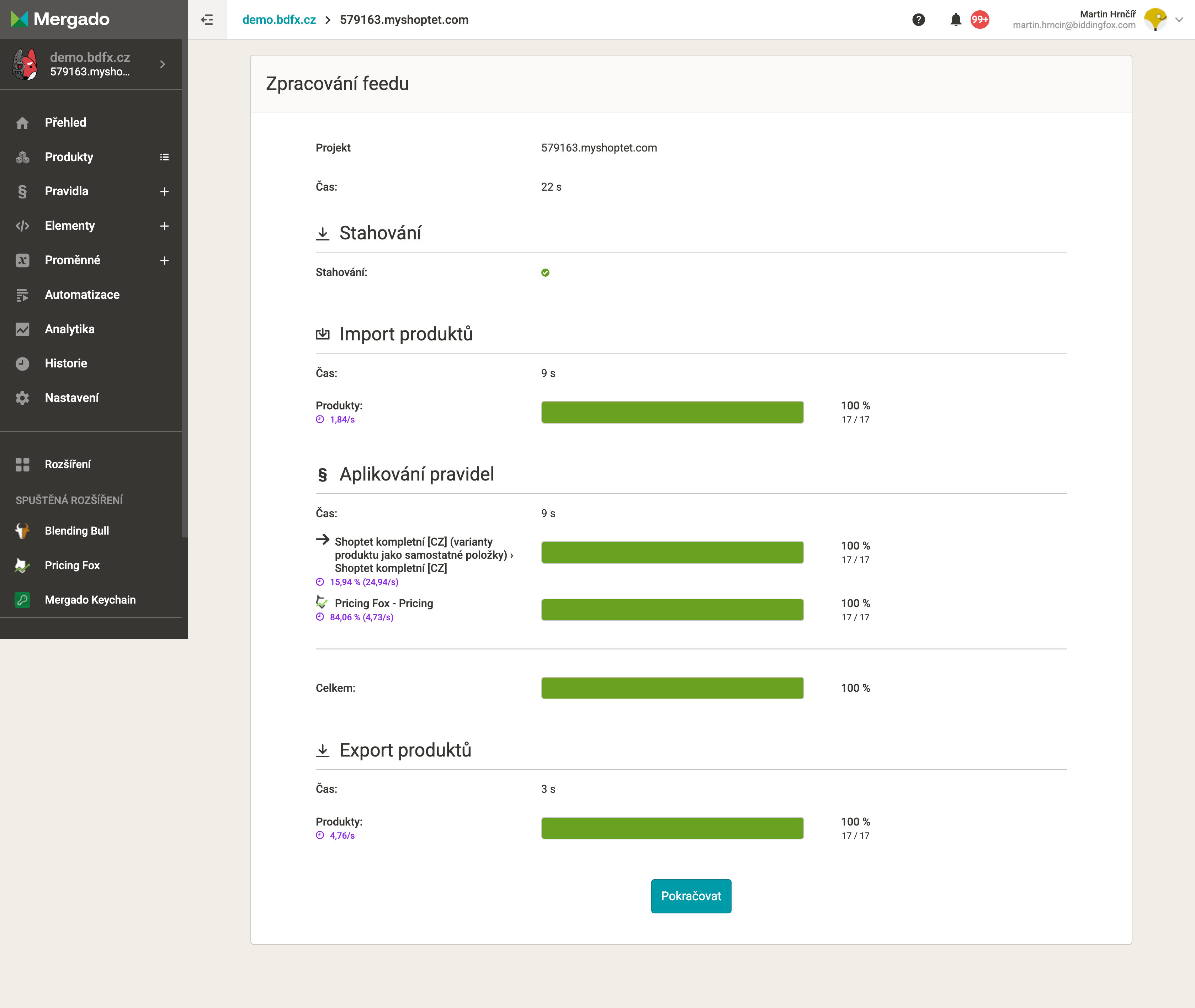
In Mergado -> Regenerate the feed
-
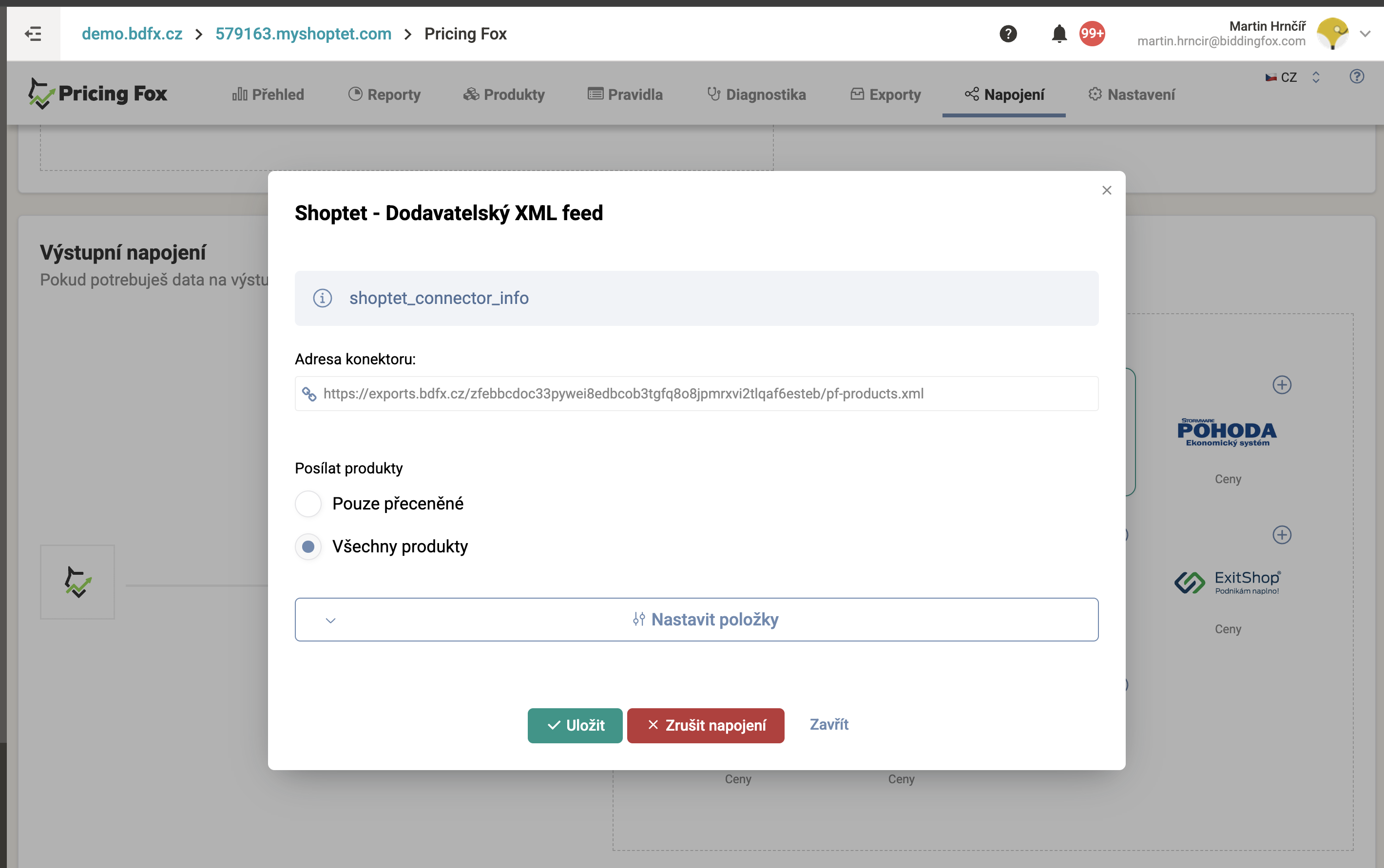
Turn on Connections -> Shoptet (supplier feed). There’s no need to change anything to update prices only.
-
Copy the connector’s URL.
-
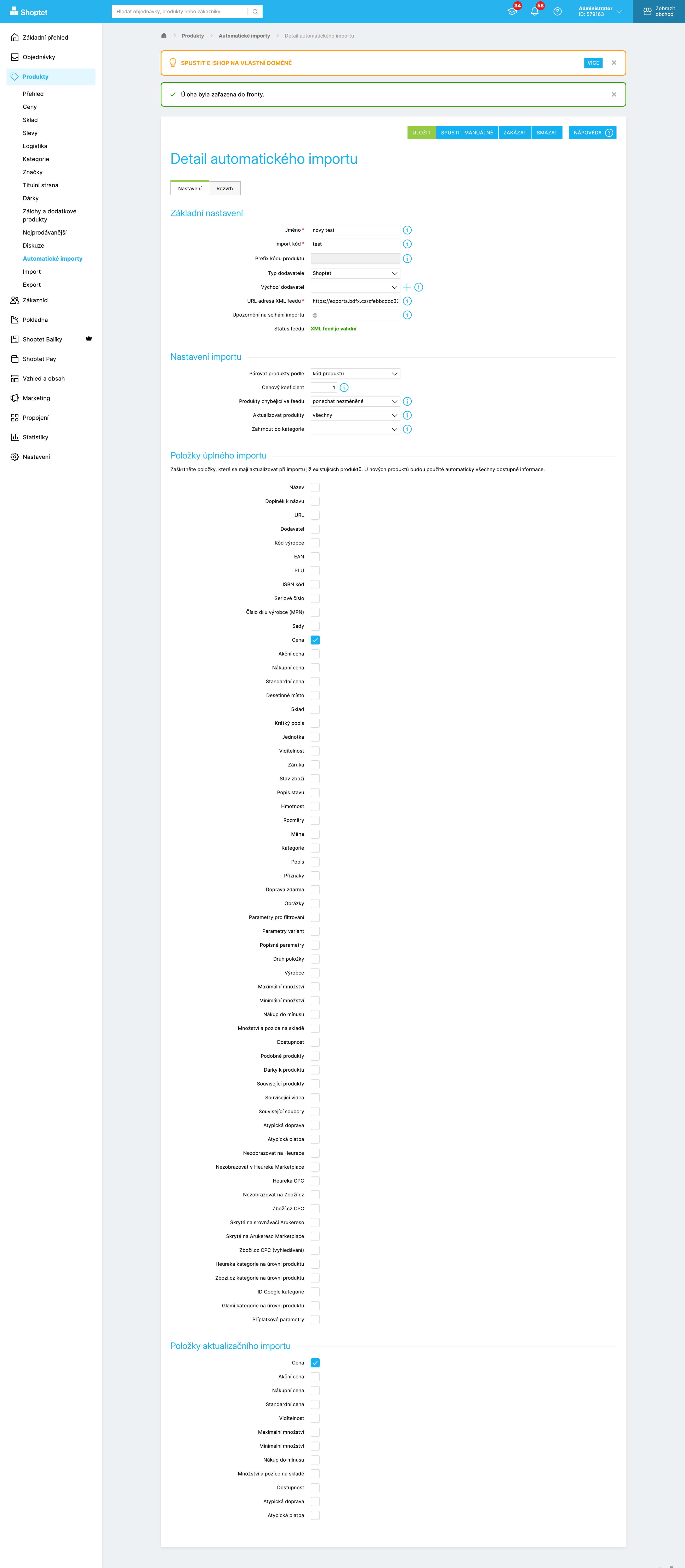
Add an automatic import in Shoptet. (You can Run it manually, but it must first be Enabled)
-
After a while, check that the prices are being transferred.
ALTERNATIVELY, FOR MANUAL UPLOAD YOU CAN USE A CSV EXPORT WITH THIS CONFIGURATION:
-
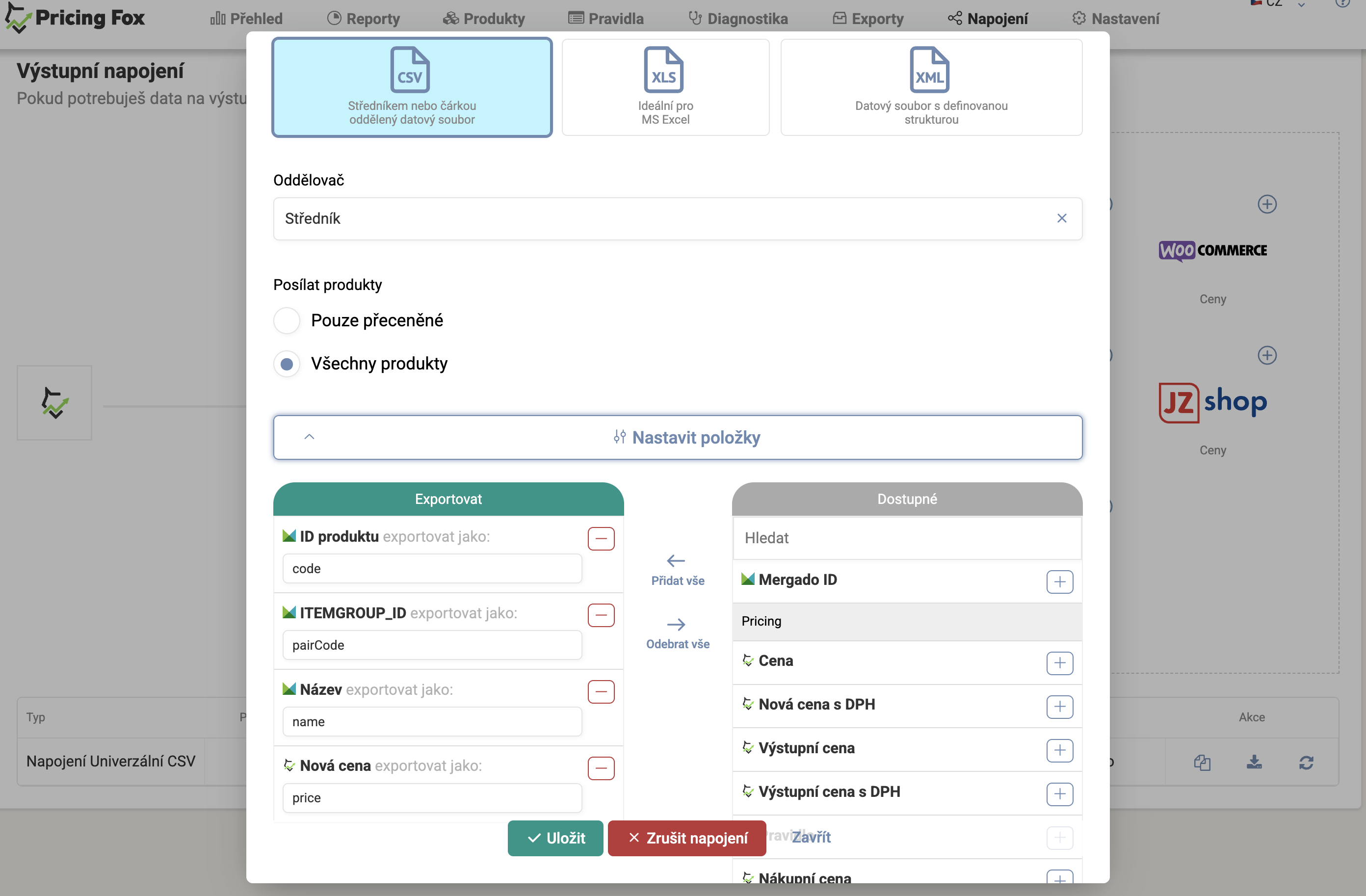
Create Connections -> Universal Export with the configuration: