
Products#
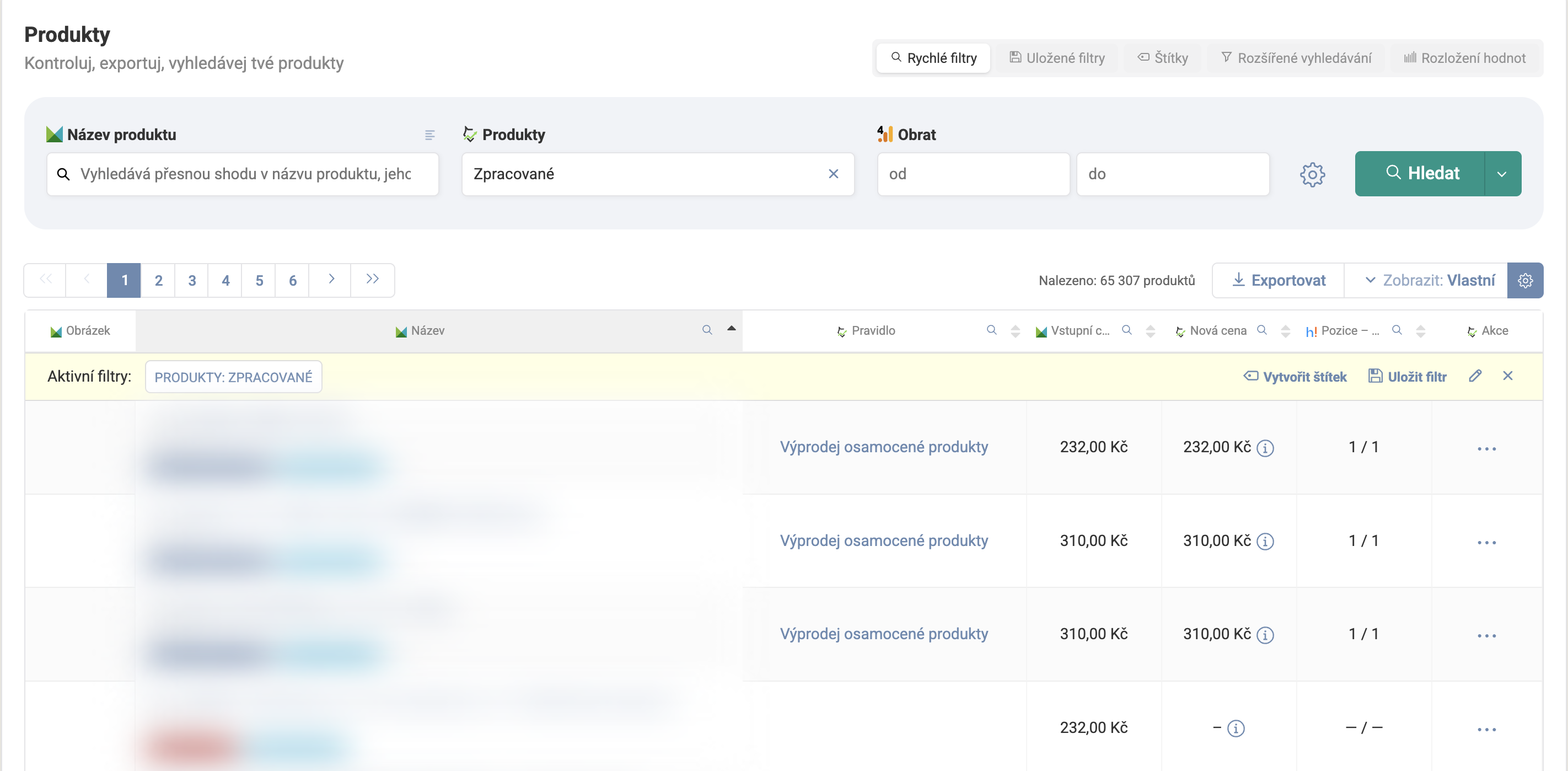
The Products page is a workspace at the individual product level — where you compare your own price, the competition, history, and other data, and find the products in your range that deserve attention.
Selecting a subset of products#
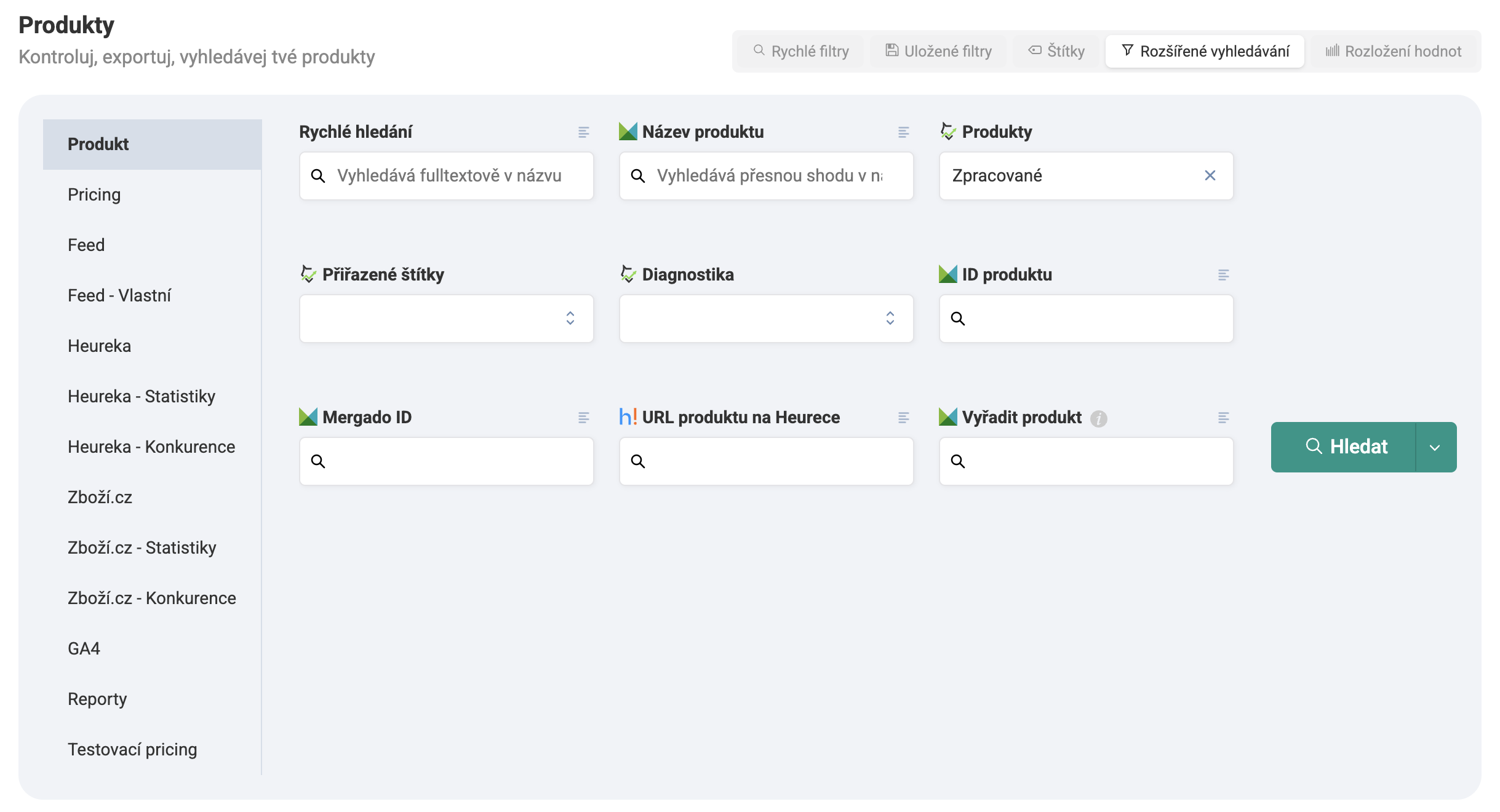
Two tools handle segmenting your product range, and can also be used in rules:
- Filter — a saved group of products you create directly in Pricing Fox based on any criteria (price, competition, category, brand, and more).
- Selection — similar to a filter at the Mergado level, using its more advanced segmentation options.
What you’ll find on this page#
- Product history — how its price and position have developed over time.
- Favorite products — mark important items with a heart for quick access.
- Performance score — an indicative measure of how the product has been doing recently.
- Popularity on the price comparison site — sorting and filtering by buyer interest.
Product tags#
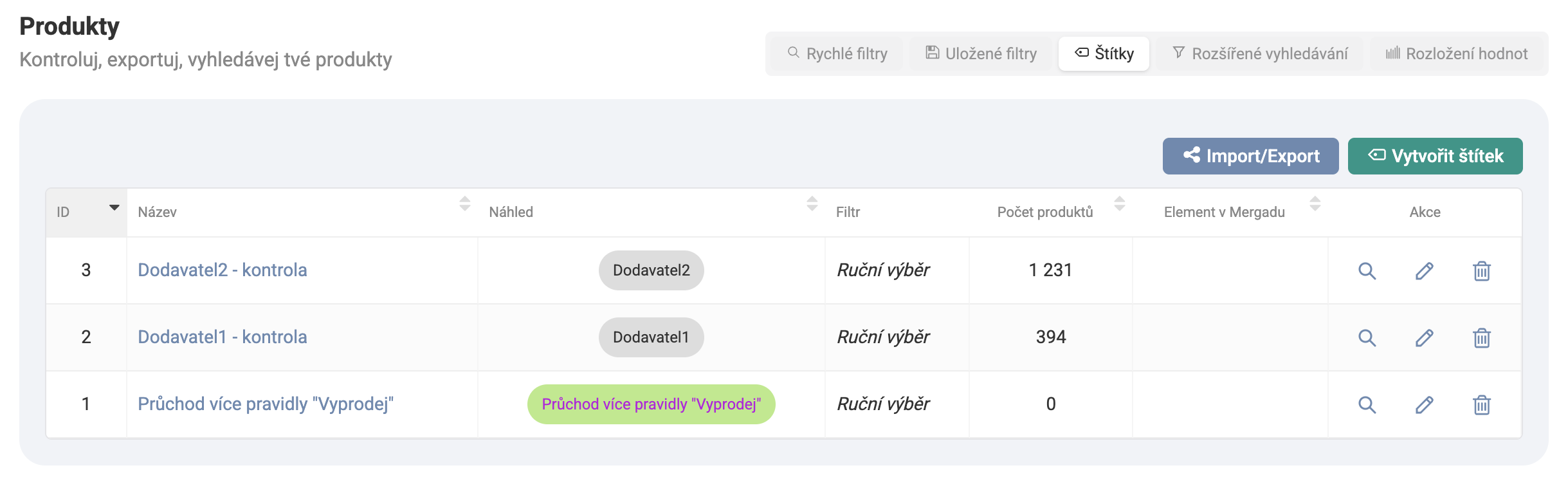
Tags let you visually and color-code your range by your own criteria — assign them manually, or let Pricing Fox keep a tag up to date automatically based on a saved filter. A tag can optionally be written back into Mergado as the value of a custom feed element. Tag settings can be exported and imported between projects.
Export and customizing the table#
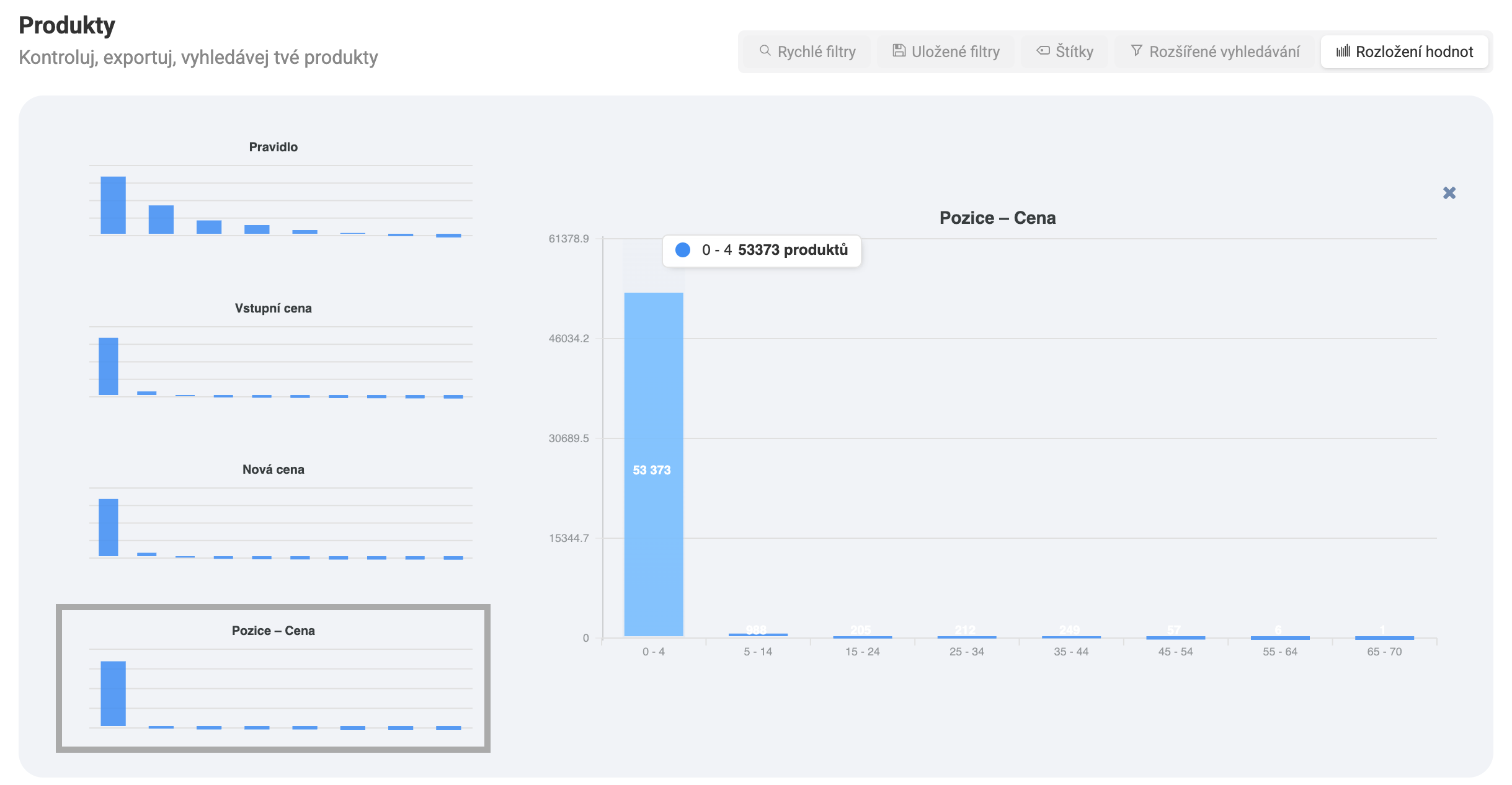
Export your currently filtered products with the Export button into CSV, XLS, or HTML. Choose which columns appear in the table with the Columns button — the setting stays saved the next time you open the page. The Value distribution tab gives you a quick look at how values are distributed across the table’s columns, without having to export the data and crunch it yourself.
FAQ#
Why do I see a different product count on Overview and on the Products page? The most common cause is an active filter on the Products page. Check whether you have a filter or saved filter set that limits the displayed products — click the × in the filter bar to clear it and see all products.
Can I export products directly from the table? Yes. The Export button in the top-right corner of the page creates an export of the currently filtered products into CSV, XLS, or HTML.
How do I customize which columns I see in the table? Click the Columns button above the table — you’ll see the available columns, which you can turn on, off, or rearrange as you like.
How do I get to a product’s detail? Click the product’s name in the table, or use the quick-actions icon at the end of the row and choose Detail.
Related pages#
Product detail
Detailed information about a product - current pricing, repricing history, and performance statistics.
Exports
Setting up exports of product data, competition, and repricing into CSV, XLS, HTML, and XML.
Product tags
Tagging products and creating your own groups for easier work with your range.
Filtering options
Combining filters for a precise product selection - for saving, tagging, or a pricing rule.