
📤 Exports#
On the Exports page you find all the exports you created on the Products or Competition page (via the Export button). Exports are a powerful tool for regularly getting data out of Bidding Fox, whether for checking the competition, repricing, or into other systems.
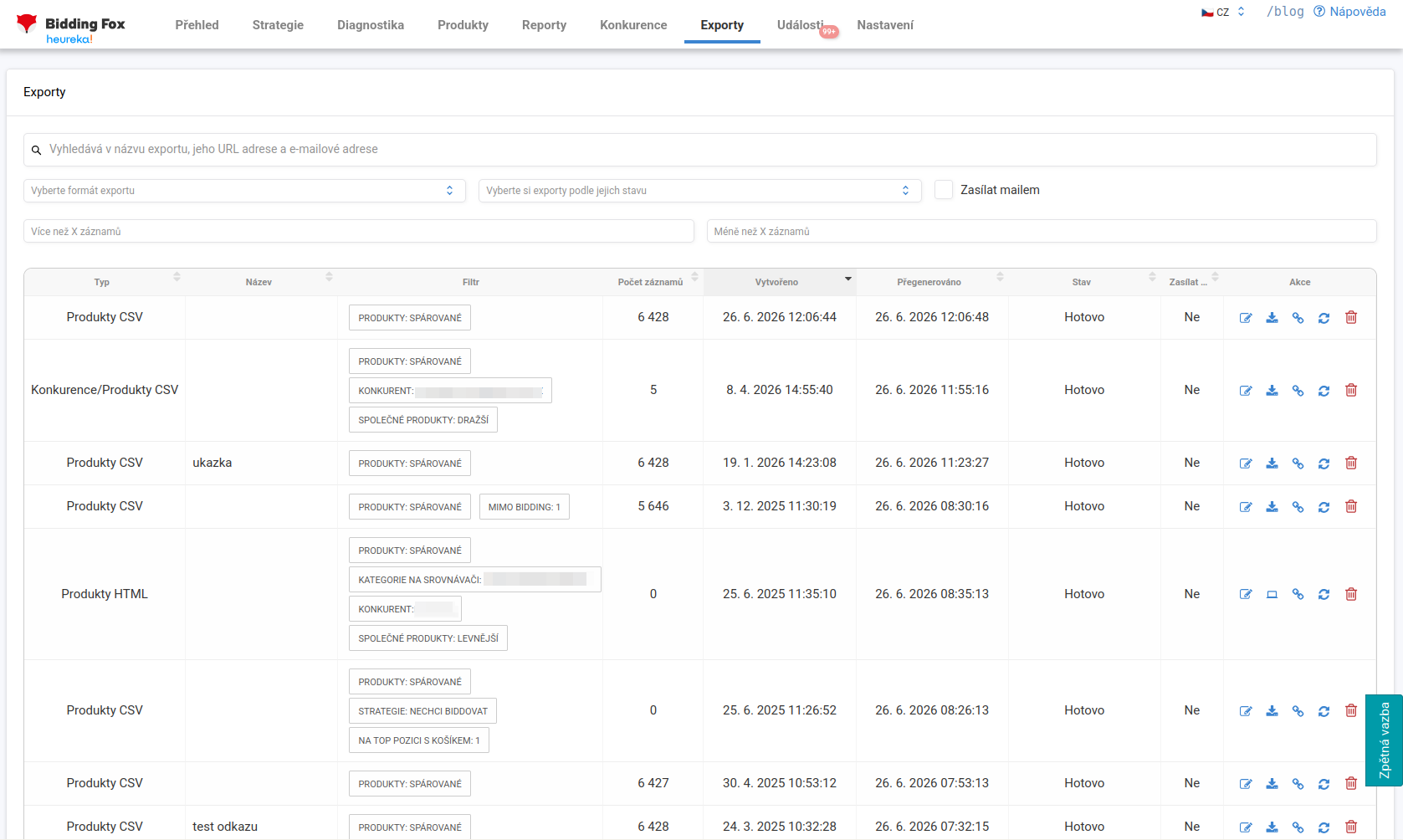
List of exports#
In the table you see for each export its type (for example Products CSV, Products HTML or Competition/Products CSV), name, the filter it was created from (listed as labels such as Products: matched, Outside bidding, Price-comparison site category, Competitor, Shared products: more expensive and the like), the number of records, when it was created and last regenerated, its status (for example Done) and whether it is sent by email.
Exports can be searched by name, URL address and email and filtered by format, status, number of records or by whether they are sent by email. For each export there are actions to edit, download, show the link, regenerate and delete.
How exports work#
For each export you choose what information it should contain (product name, item ID, your price, the minimum category CPC on Heureka and Zboží.cz, number of online stores, URL on the price-comparison site, URL on your online store and so on) and how you want to receive it:
-
Regularly by email: at the chosen frequency a CSV or XLSX arrives at the specified addresses.
-
At a fixed link: the export is available as a file at a hidden address that your colleague can bookmark or download programmatically into their reports.
The content is refreshed automatically once every 12 hours, and you can refresh it manually at any time. If you lose the link to the export, you will find it here.
💡 A typical use: each product specialist receives once a week an export of only “their” products where a competitor is cheaper. Instead of going through thousands of cards on Heureka, they only handle the few products that really need repricing.
FAQ#
-
How often is the export content updated? Automatically once every 12 hours, and you can regenerate it manually at any time.
-
How do I get the export to a colleague or into another system? Either by setting up the option of regular sending by email, or via a fixed link that can be bookmarked or downloaded programmatically.
-
I lost the link to the export, where do I find it? On the Exports page, where all created exports are listed together with the link.
-
In which formats can I export? For example CSV, XLSX or HTML.
-
Can I tell from the export whether I am below the category minimum? Yes, the export items include the minimum category CPC for Heureka and Zboží.cz, so you can compare it with the product’s cost per click.