
Personal Settings#
The Personal page contains settings that apply only to you – not to the whole organization. You can find it in the left panel in the Workspace section.
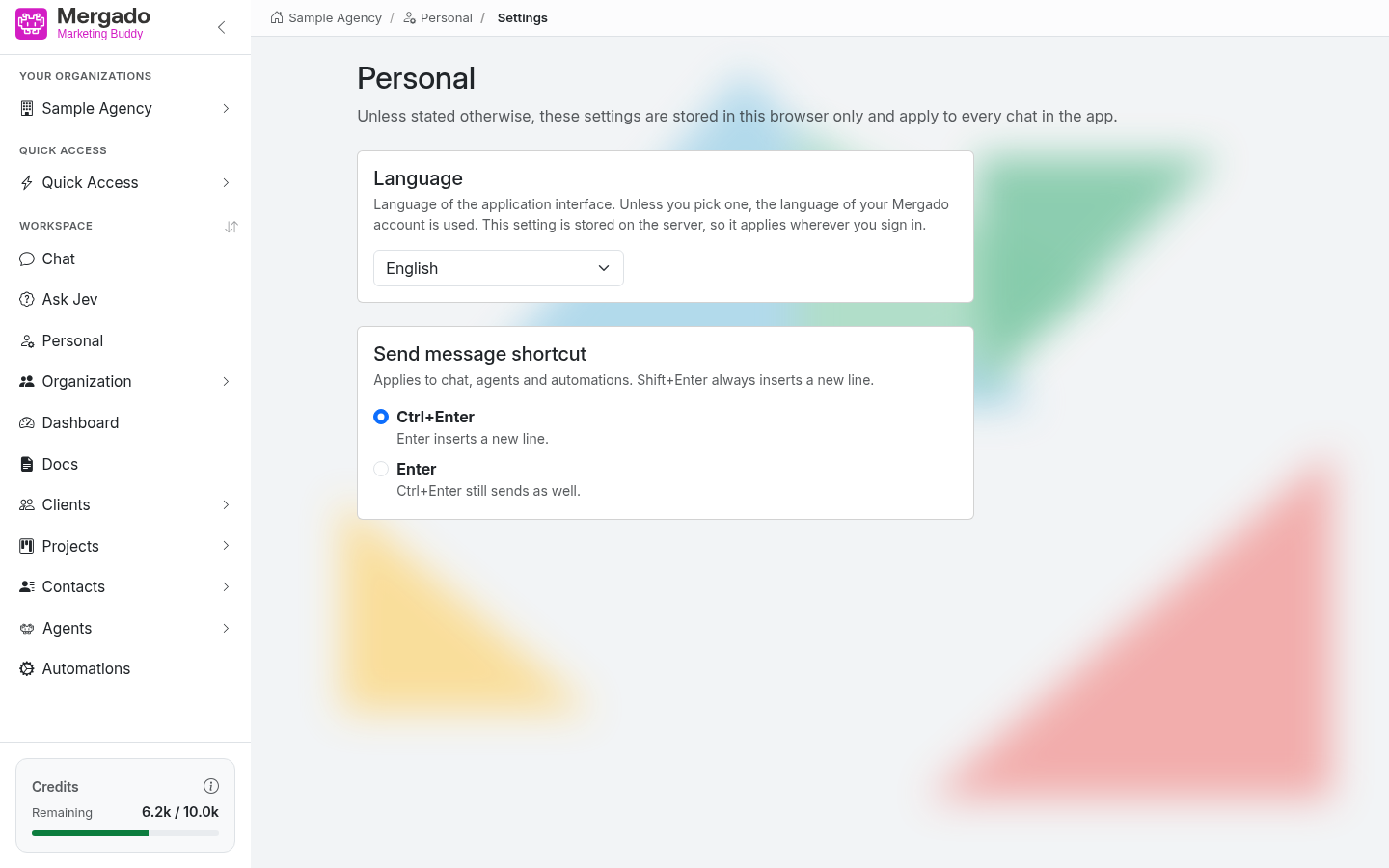
Language#
The language of the application interface: English, Čeština, Slovenčina, or Magyar. Until you choose one, the language of your Mergado account is used. After you change it, the page reloads in the new language.
The choice is saved on the server, so it applies wherever you sign in.
Shortcut for sending messages#
This determines how messages are sent in the chat, agents, and automations:
- Ctrl+Enter (default) – Enter inserts a new line, and you send the message with Ctrl+Enter (Cmd+Enter on Mac).
- Enter – Enter sends the message; Ctrl+Enter sends it too.
Shift+Enter always inserts a new line. The same shortcut also approves the tool run request card in the chat.
The setting is saved only in this browser and takes effect immediately, including in other open tabs.
FAQ#
Why did the shortcut switch back to Ctrl+Enter after I signed in on another computer? The shortcut is saved only in the browser. Set it again on a new computer or in a different browser. The language, on the other hand, is remembered for your account.
Does the language of the AI responses change too? The language setting changes the interface texts. If you want a response in a different language, tell the AI directly in your request.