
Connecting orders to UNAS with Mergado Marketplaces#
This guide explains how to connect orders from Allegro and Kaufland to your UNAS e-shop platform via Mergado Marketplaces, including API key setup and synchronization configuration.
In the Mergado Marketplaces app, you can use order management via UNAS. If you run an e-shop on UNAS and sell on Allegro or Kaufland, you can now work with your orders directly in your e-shop admin. Below you will find the procedure for setting up order synchronization with UNAS.
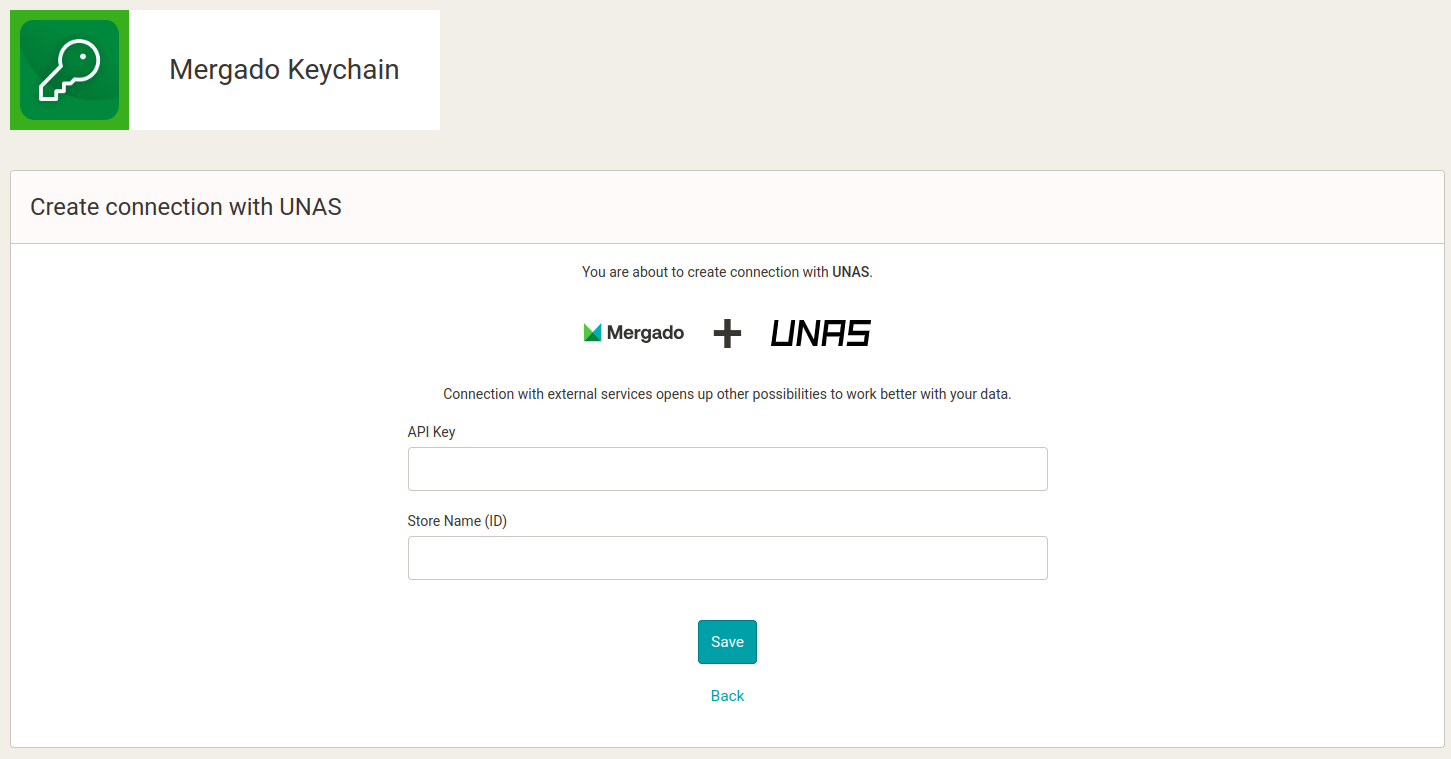
1. Creating a UNAS connection in Mergado Keychain To create the connection, you need to fill in the following in Mergado Keychain:
- API key
- Shop name (ID)
You can find this information in UNAS under Beállítások > Külső kapcsolatok > API kapcsolat. Click the API kulcs létrehozása button and create an API key for Mergado. For proper functioning, Mergado Marketplaces needs to perform the following operations:
- getOrder
- setOrder
- getOrderStatus
- setOrderStatus
- getMethod
After saving, copy the API key and enter it along with the shop name into Mergado Keychain:
2. Currency settings in UNAS
If you sell on multiple markets via Mergado Marketplaces, you need to enable foreign currencies in the UNAS settings under Beállítások > Pénznemek, Árkijelzés > Pénznemek. Add all currencies for the countries where you sell via Mergado Marketplaces.

3. Activating UNAS in Mergado Marketplaces
Once you have a successful connection in Mergado Keychain and currencies prepared, you can activate orders in Mergado Marketplaces under Orders > Activation. Check UNAS and save the changes. For order synchronization to work properly, you also need to have orders activated for at least one marketplace.
4. Additional settings in Mergado Marketplaces
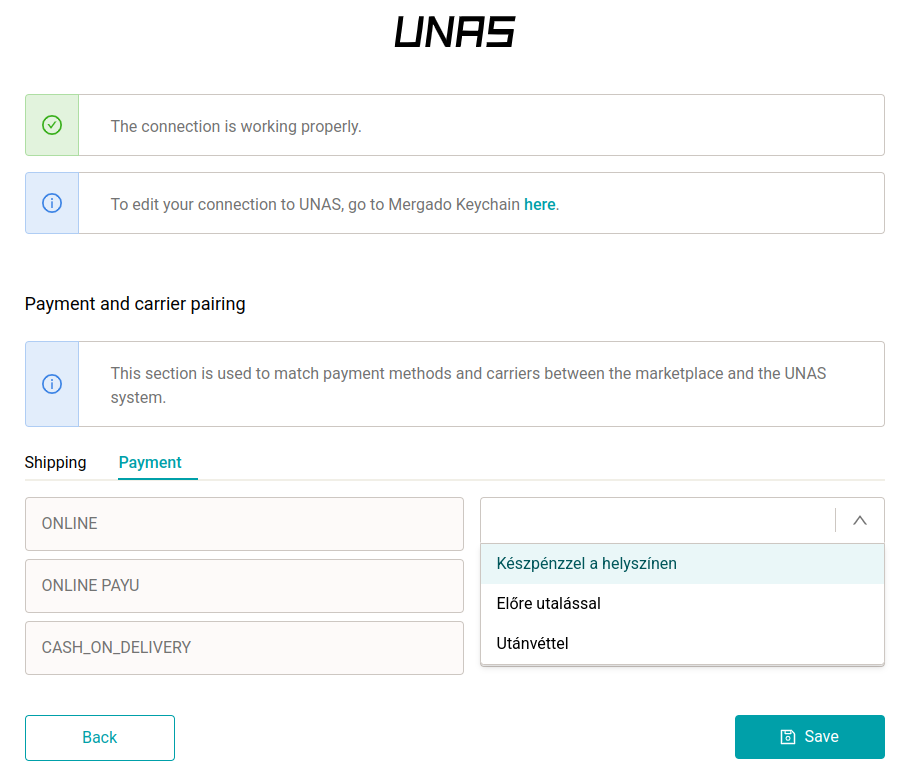
Matching shipping and payment methods After activating orders, you can match shipping and payment methods from marketplaces to your UNAS values in the “Connections” section. This section dynamically loads shipping and payment method values based on incoming orders. It’s a good idea to regularly check this section and match any new values that may have appeared.
If you don’t match shipping and payment methods, we will send the payment and shipping method to UNAS in the format we receive them from the marketplace.
VAT rates
To create an order in UNAS, it is mandatory to include the price excluding VAT for order items. You can fill in the VAT rate in the settings of individual campaigns for Allegro and Kaufland. If you don’t have a VAT rate set for your offers, the standard rate for the given country will be used to calculate the price excluding VAT.
Status matching between Mergado Marketplaces and UNAS
- Not shipped 👉 Waiting for processing (Feldolgozásra vár)
- Processing 👉 Confirmed (Visszaigazolva)
- Shipped 👉 Delivery (Kiszállítás)
- Cancelled 👉 if this status is not available in your UNAS, our app will create a custom ‘Cancelled’ status